All scenes free
I Spy
Hunt for hidden things in a big, busy scene.
3-day free trial on DrawToLife Plus — App Store & Google Play · cancel anytime


See how a single sketch transforms into completely different works of art — from anime to watercolour and everything in between.
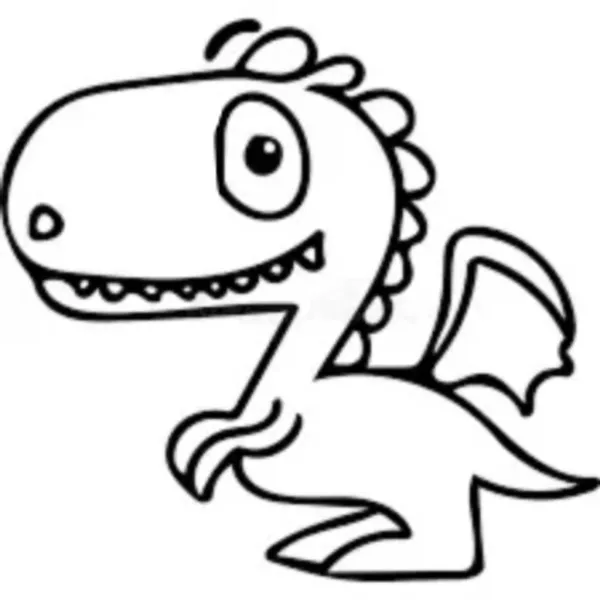
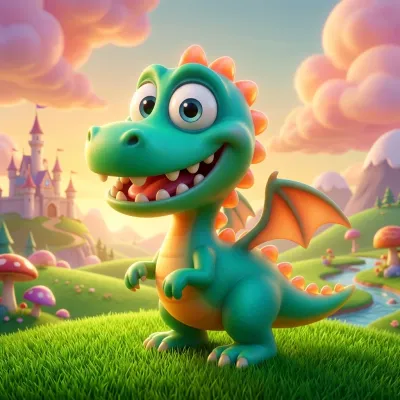
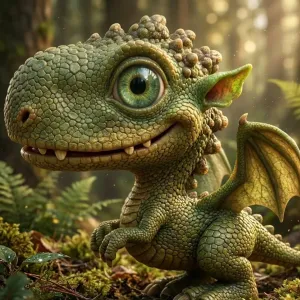
Movie 3D
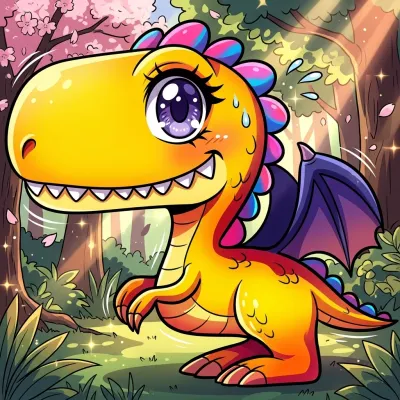
Anime
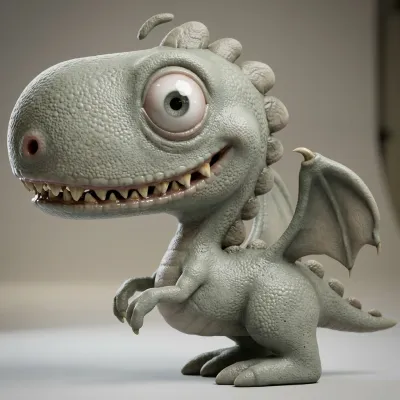
Exactly as Drawn
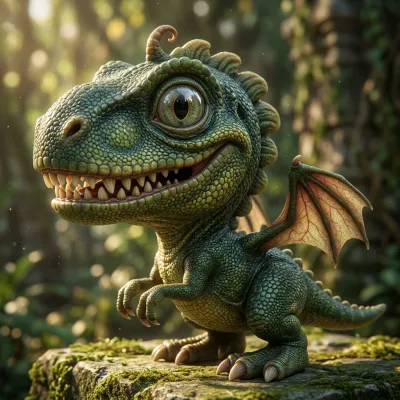
Realistic
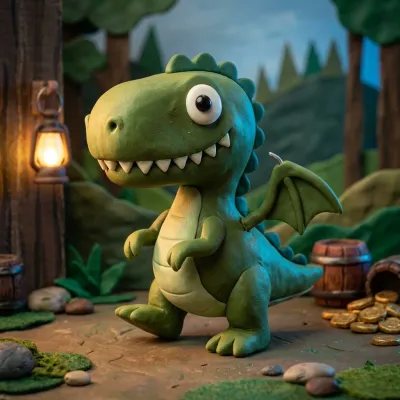
Claymation
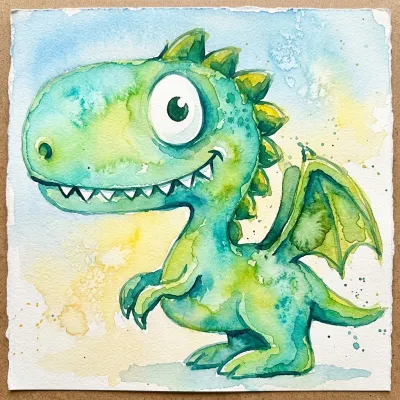
Watercolour
DrawToLife takes your child's artwork on a full creative journey — transform, narrate, and animate, all in one app.
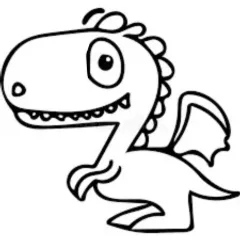
Start with any sketch or doodle
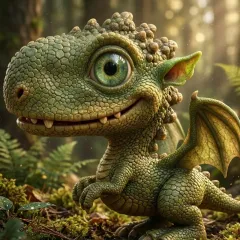
AI turns it into stunning art
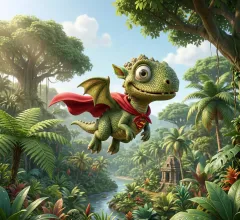
Characters become story heroes
Watch your art come alive
Stuck for ideas? Today's drawing challenge stays pinned to the canvas — or photograph a drawing made on paper and answer with that.
Sparky turns your child's character into a few short story ideas — and your child picks their favorite. Can't read yet? Sparky reads each idea aloud, so they can choose just by listening.
Every idea is one of Sparky's pre-approved, age-appropriate plots — there's no open text box for your child to type into. Kids can still make it their own with tap-only choices for names and plot twists, and grown-ups can type custom ideas of their own.
Stories can begin straight from the drawing itself, pages are illustrated to match your child's art style — even keeping it hand-drawn — and saved characters can star in the same adventure together.
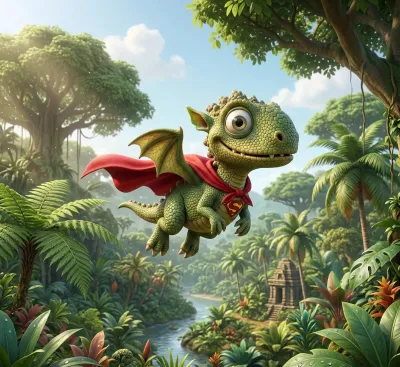
The Adventure Begins
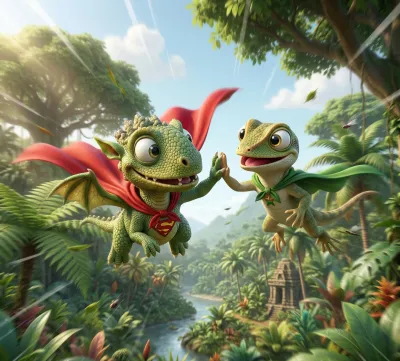
A New Friend Appears
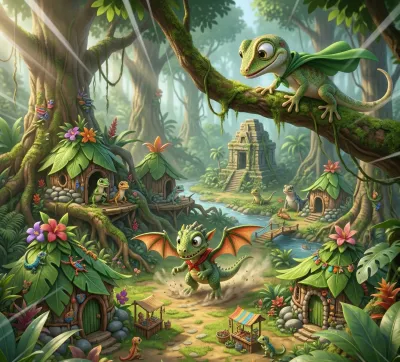
The Journey Continues
Watch your child's characters move, dance — and talk. Choose what your character does and says, and a short animated clip brings it to life out loud, straight from their artwork.
Eight built-in games work fully offline and never spend an AI credit, and guided Learn to Draw lessons are free too (they need a connection). The games are made for flights, road trips and waiting rooms.
Hunt for hidden things in a big, busy scene.
Tap to pop — colours, numbers & letters.
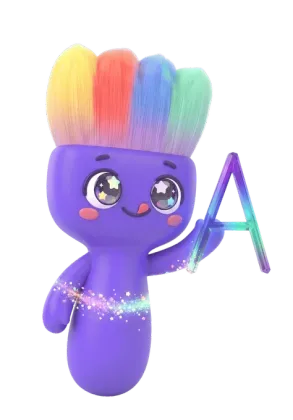
Trace ABC, 123, Japanese & Chinese.
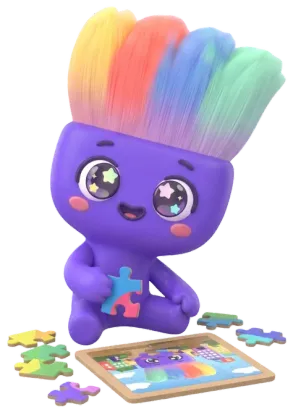
Slide the pieces home — jigsaw fun time.
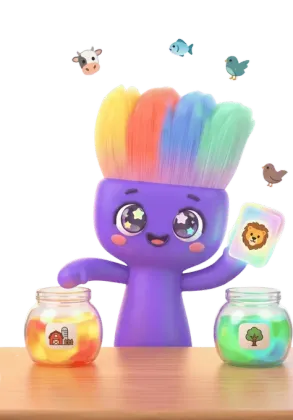
Drop each thing into the right group.
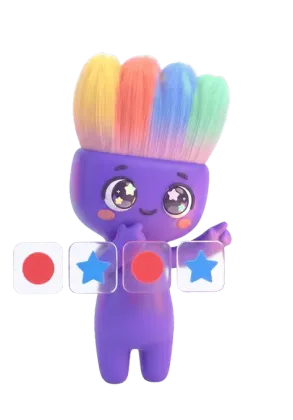
Spot the pattern, pick what comes next.
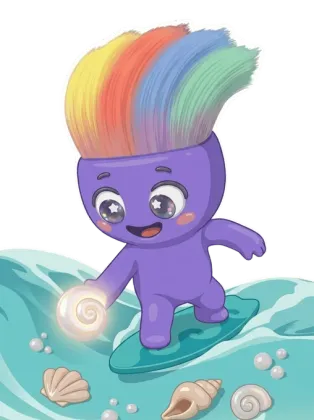
Surf and dive with Sparky to scoop up shells.
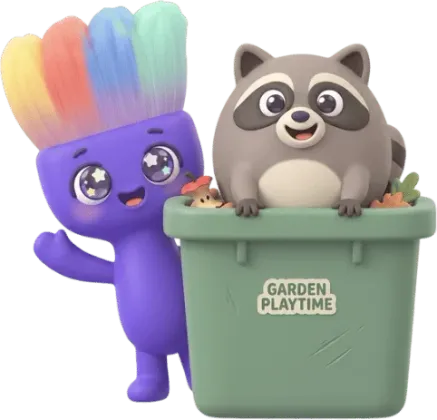
Tap the friends who peek out of the bins.
Step-by-step lessons that teach little hands to draw — then turn the finished masterpiece into AI art.
Lessons need a connection · AI art uses 1 credit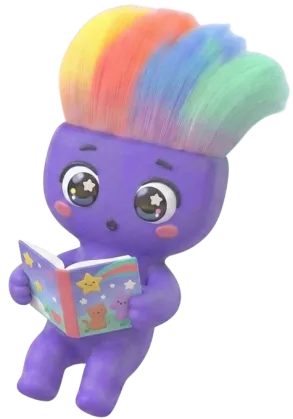
Every game and every step-by-step Learn to Draw lesson is completely free with a free account: no credits, no daily limits, no locked packs or scenes. Playing games counts toward the daily streak, too.
Something to draw and a game to play, in your child's own language, on the Today card.
Drawn on paper? Photograph it and Sparky judges it like any other answer — a cheer when it matches, a friendly nudge when it doesn't.
Finish the round and the challenge ticks itself off with a little celebration.
Free with a DrawToLife account · challenge answers need a connection
Plus free seasonal events and themed drawing challenges through the year.
DrawToLife is built from the ground up with children's safety and joy in mind. Parents can relax while kids create freely.

Big, easy-to-tap buttons sized for little fingers
Friendly audio instructions guide every step
A Home tab lives on the kids nav bar in all 10 languages, and Sparky speaks it aloud
Kids Mode is draw and tap only — never an open text box
Parents stay in control — a quick grown-up check before settings or purchases in Kids Mode, and per-type notification controls
Every feature is designed with families first.
"We never sell data. We never show ads."
DrawToLife is fully compliant with the Children's Online Privacy Protection Act (COPPA). We collect only what's needed for the app to work, and nothing more.
Friendly reminders and creative inspiration arrive only once you allow notifications, each type can be switched off on its own, and none are sent while Kids Mode is on.
Set your phone to a larger text size and the app follows: Kids Mode, the parent dashboard, sign-in, even checkout. Text grows to match and nothing gets cut off.
This website is for parents and guardians. DrawToLife is intended to be used by children under parental supervision.
Switch Kids Mode off and you land on your own Parent Dashboard — see what each child has been making, give everyone their own space, and keep a gentle eye on their week.
Each child gets their own Creations and Rewards tabs — drawings and stories on one side, the badges and stickers they earn on the other.
Drawings, stories and each child's own gentle creative streak — a peek at what they made, never pressure.
In Kids Mode, purchases and settings sit behind a quick grown-up check, and a credit history shows what every credit was spent on, and when. Little taps never become big surprises.
Sparky reads each story aloud — and in bedtime mode a gentler grandparent voice takes over. Set a 10-, 20- or 30-minute sleep timer so it winds down on its own.
Good evening 👋
Tuesday · 3 little artists
My children
This week
12
Drawings
3
Stories
5
Day streak
Recent activity
Mia turned a dragon into Movie 3D art
2hLeo finished Drawing Puzzles
5hAda started a new story
MonMia
🥉 Bronze · 5-day streak4 of 30
Achievements
6 of 24
Stickers
Little milestones kids earn just by creating — visible to you, never a pressure on them.
Try one creation instantly — no account needed
Daily challenges bank up to 10 credits, all yours when you subscribe.
40 credits/month
Great for casual creators
New subscribers — App Store & Google Play · cancel anytime
500 credits/year
Best value for regular use
15 credits/month
A lighter plan for now-and-then creating
Subscribers automatically earn 1 credit back on any day their child finishes both daily challenges.
1 credit = 1 transformation
credits
credits
credits
Comparing kids' drawing apps? See how DrawToLife stacks up →
Prices shown in USD. Prices may vary by region.