Animate your child’s drawing into art, a story & a video
DrawToLife uses AI to turn a drawing into animation. Watch a wobbly sketch become polished digital art, an illustrated story, and a short talking movie — starring the same character every time. Built just for kids: safe, ad-free, ages 3–8.
- Draw
- Animate
- Movie
3-day free trial on DrawToLife Plus — App Store & Google Play · cancel anytime
- Free to start
- No ads
- Made for ages 3–8


How to animate drawings with AI
Animating your drawings takes three taps — no art skills, no editing software, no waiting around.
- 1
Add a drawing
Snap a photo of your child's drawing, or draw straight onto the canvas in the app.
- 2
Tap Animate
Pick a style and let the AI animate your drawing. The drawing-to-video AI does the heavy lifting in seconds.
- 3
Watch it come to life
Get digital art, a read-aloud story, and a short movie of the very same character — every single time.
From Doodle to Masterpiece to Story to Video
DrawToLife takes your child's artwork on a full creative journey — transform, narrate, and animate, all in one app.
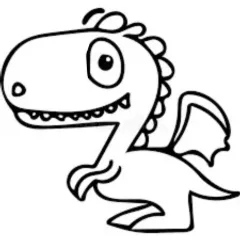
Start with any sketch or doodle
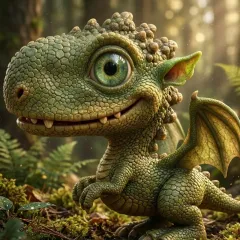
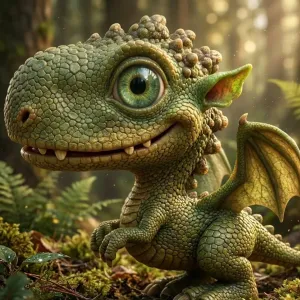
AI turns it into stunning art
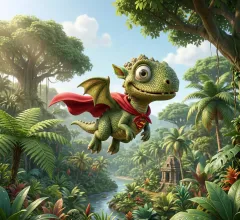
Characters become story heroes
Watch your art come alive
Stuck for ideas? Today's drawing challenge stays pinned to the canvas — or photograph a drawing made on paper and answer with that.
Turn Any Drawing into an Adventure
Sparky turns your child's character into a few short story ideas — and your child picks their favorite. Can't read yet? Sparky reads each idea aloud, so they can choose just by listening.
Every idea is one of Sparky's pre-approved, age-appropriate plots — there's no open text box for your child to type into. Kids can still make it their own with tap-only choices for names and plot twists, and grown-ups can type custom ideas of their own.
Stories can begin straight from the drawing itself, pages are illustrated to match your child's art style — even keeping it hand-drawn — and saved characters can star in the same adventure together.
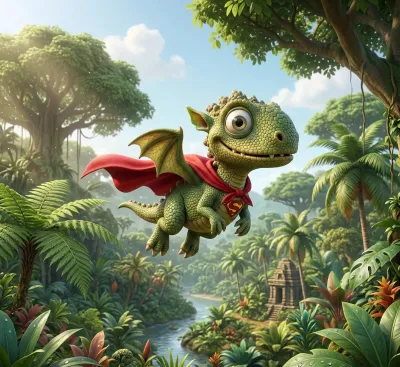
The Adventure Begins
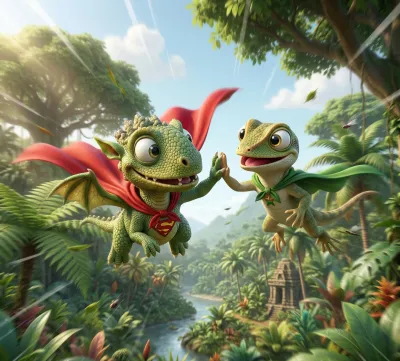
A New Friend Appears
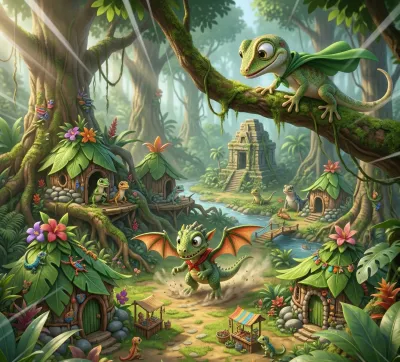
The Journey Continues
See It Come to Life
Watch your child's characters move, dance — and talk. Choose what your character does and says, and a short animated clip brings it to life out loud, straight from their artwork.
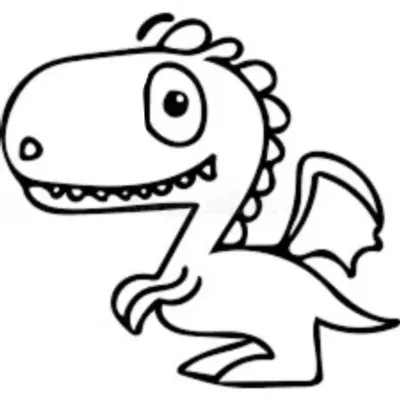
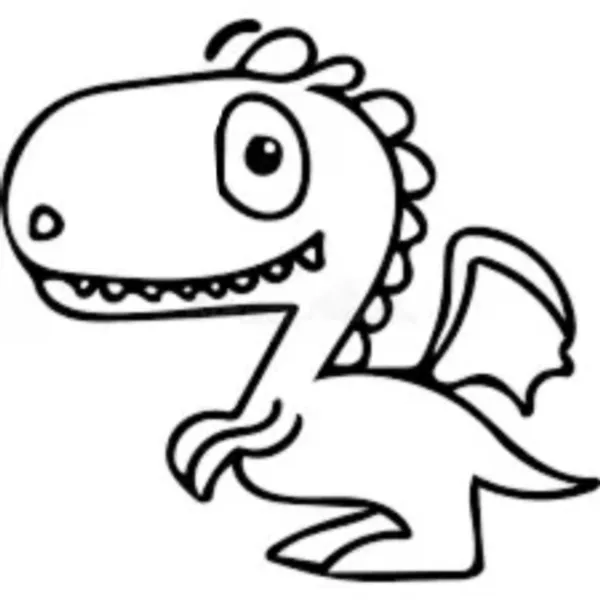
The drawing
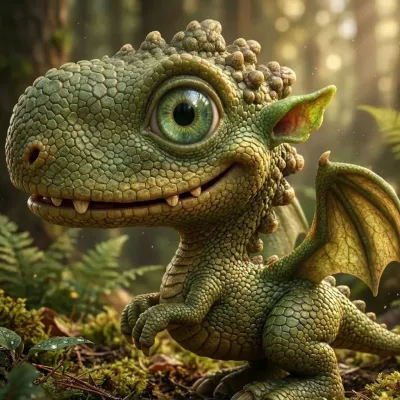
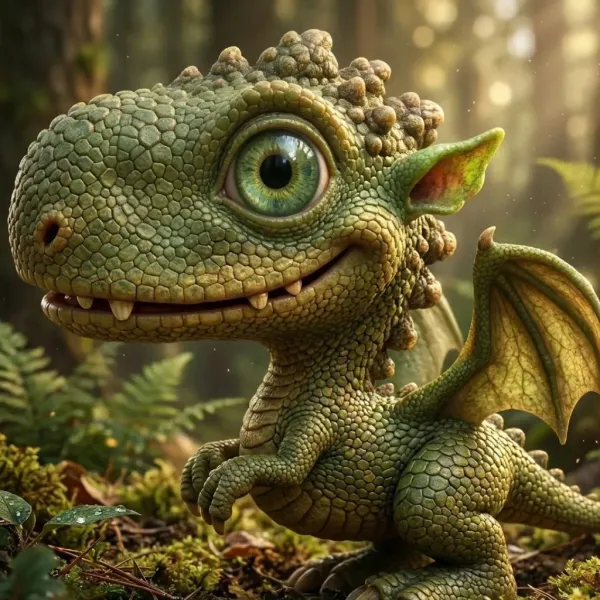
Animated & in colour
Turn drawings into digital art & video
DrawToLife doesn't just colour a sketch in. It turns drawings into digital art, then keeps that exact character for an illustrated story and a short animated video — one drawing, three keepsakes.
Turn drawings into digital art
One sketch becomes polished digital art in six styles — Movie 3D, anime, watercolour and more.
Drawing to video AI
Movie Director turns the same character into a short talking video — you choose what they do and say, and it plays out loud.
A story to go with it
A pick-your-path, read-aloud story stars the animated drawing — so art, story and video all match.
Animate drawings: questions parents ask
-
Can I animate my child’s drawing?
- Yes. Add any drawing — a wobbly dragon, a family portrait, a doodle — and DrawToLife animates it for you. The AI keeps the same character across the artwork, story and video, so what your child drew is what they see come to life.
-
Is it safe for kids?
- DrawToLife is built for children ages 3–8. There are no ads, no social feeds, no chat and no external links. Content is moderated to stay child-appropriate, and a Parent Dashboard lets you oversee every creation.
-
What is drawing to video AI?
- Drawing-to-video AI takes a still drawing and generates a short animated video from it. In DrawToLife, Movie Director uses your child’s own drawing as the star of a kid-friendly movie — no editing software or animation skills needed.
-
Do the characters talk in the video?
- Yes. Tell the Movie Director what your character does and says, and the finished video brings it to life with motion, voice and sound. Videos can be made straight from the original drawing or from any transformed artwork.
-
How does animate drawings AI work?
- Add a drawing, choose a style, and tap Animate. The AI turns the sketch into polished digital art, writes an illustrated story around it, and produces a short video — usually in seconds.
-
Is DrawToLife free?
- Yes. There are no ads, your first transformation costs nothing, and every built-in game and drawing lesson is free with a free account. Movies and further transformations use credits; DrawToLife Plus comes with a 3-day free trial on both the App Store and Google Play, and you can cancel anytime.
-
What happens if a video fails to generate?
- You never lose the credits. DrawToLife shows each movie’s progress in the app; if one can’t be finished, it’s marked “Credits returned”, the credits come back automatically, and you can try again with a tap. You’re never charged twice for the same movie, and if notifications are on, you’re told even when the app is closed.
Ready to animate your drawings?
Download DrawToLife free and animate your child's drawing into digital art, a story and a video today. Want the full tour first? Explore everything on the DrawToLife home page, or compare the 7 best apps that bring kids' drawings to life.