7 Best Apps That Bring Kids' Drawings to Life (2026)
TL;DR: DrawToLife is the best overall app that brings kids’ drawings to life in 2026. One drawing becomes AI art in 6 styles, a storybook read aloud in 9 languages and a talking animated video, and the first transformation is free with no account. Meta’s Animated Drawings is the best completely free option. Drawings Alive has the most output formats, including 3D models, but no free trial. Every price and trial below was verified in August 2026.
There’s a drawing on your fridge right now that deserves better than the fridge. The apps below all promise the same magic: photograph the drawing, watch it move, talk or turn into proper art. Where they differ, wildly, is price, safety and what your child actually gets back. Full disclosure before we start: DrawToLife is our app. Every claim about the other six comes from live store listings, published pricing and public reviews as of August 2026, and we tell you honestly where a rival is the better pick.
The 7 best apps compared
| App | What the drawing becomes | Free to try? | Price | Platforms | Ages |
|---|---|---|---|---|---|
| DrawToLife | Art in 6 styles, read-aloud storybook, talking video, games | First transformation free, no account; all games & lessons free; 3-day trial | $4.99 or $9.99/mo, or $79.99/yr | iOS, Android | 3-8 |
| Meta Animated Drawings | A short animation of the drawing itself | Entirely free | Free | Web | Any (adult drives) |
| Drawings Alive | AI art, animations, 3D/AR models | No; subscription first | $9.99-$39.99/mo | Web, iOS, Android | 4+ |
| SKETCH: AI Monster Maker | Animated 3D monster | One free monster | Credits $0.99-$89.99 | iOS, Android | 13+ |
| FlipaClip | A cartoon your child animates frame by frame | Yes, free tier with ads | Plus from ~$29.99/yr | iOS, Android | 8+ |
| Canva (Sketch to Life) | A polished image inside a design | Free templates; Magic Animate needs Pro | Pro $18/mo or $144/yr | Web, iOS, Android | Teens/parents |
| DoodleTale | A printed 30-page storybook | Free preview | $29.99 print / $9.99 PDF | Web | Parent-driven |
1. DrawToLife: best all-in-one for ages 3 to 8
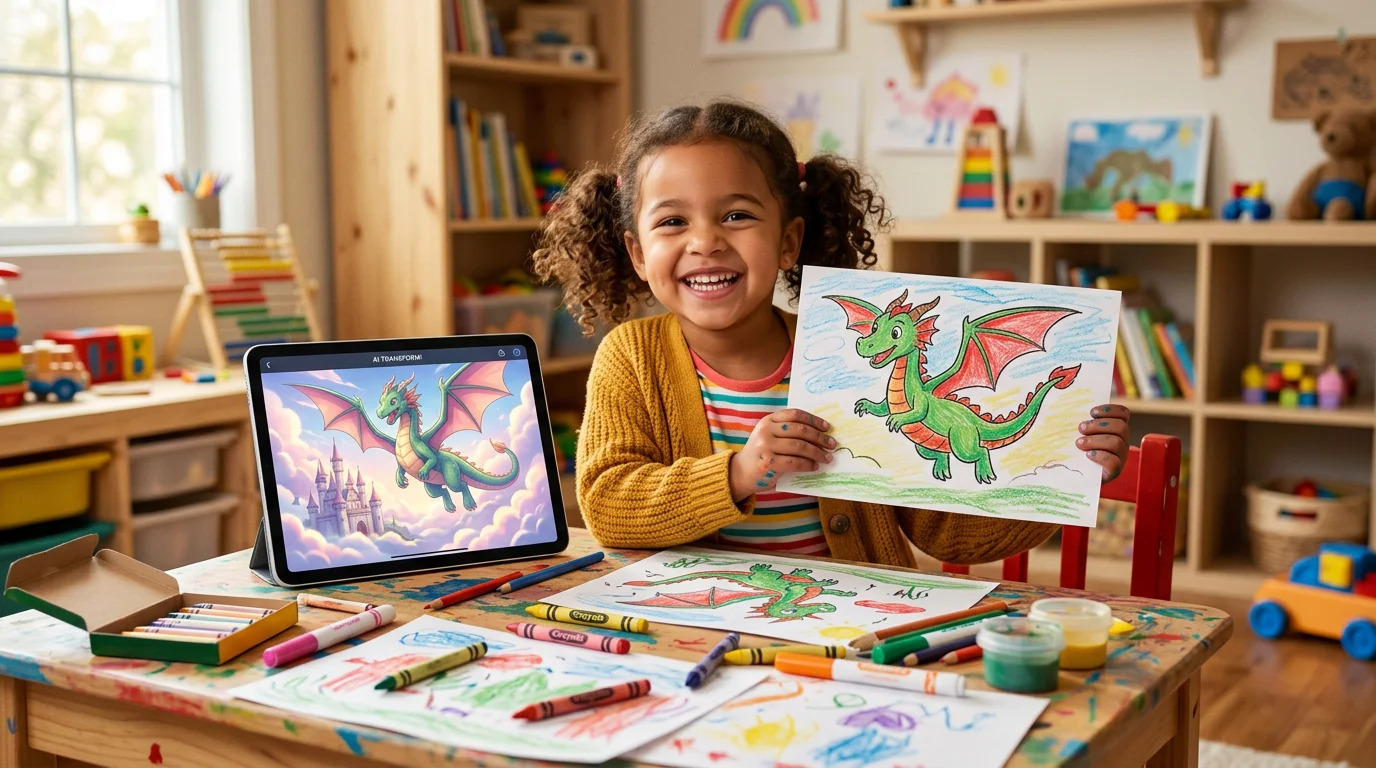
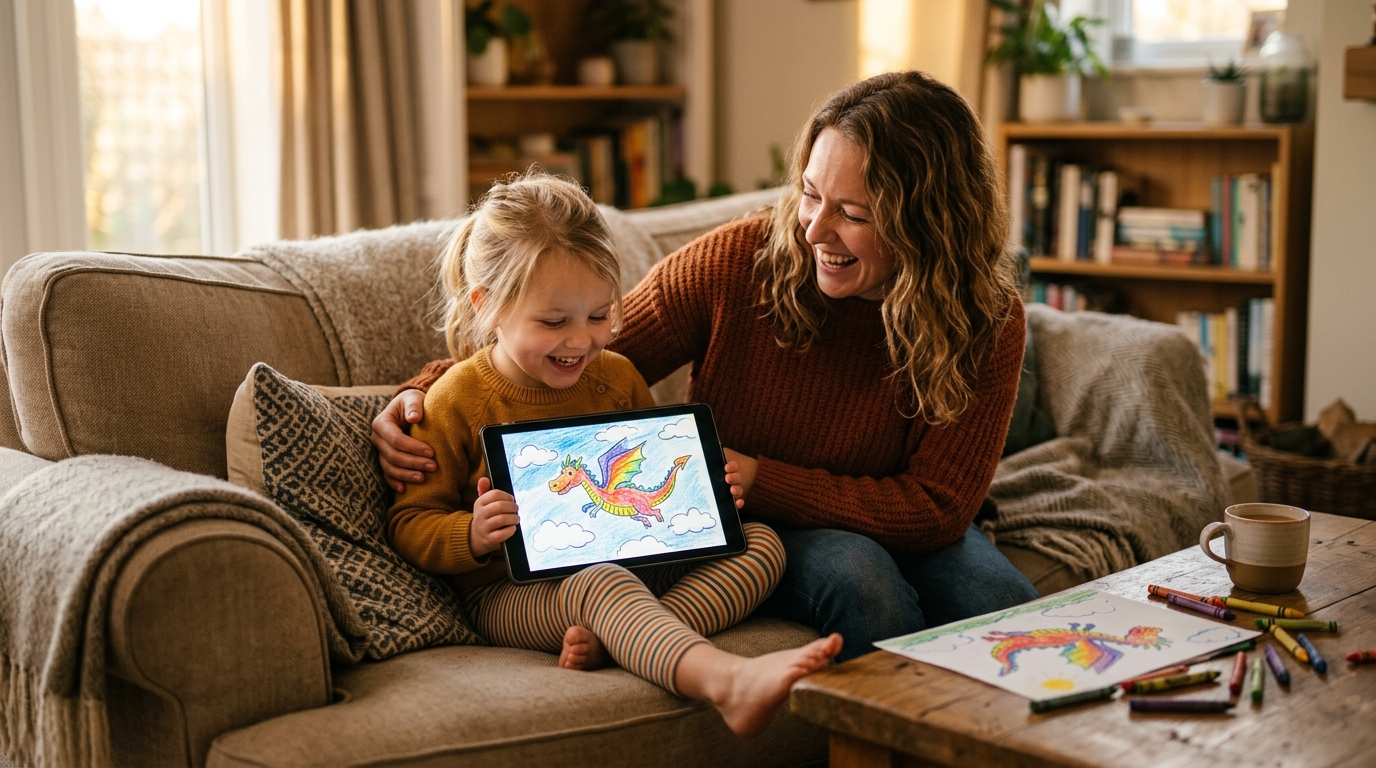
DrawToLife turns one drawing into AI art in 6 styles, a storybook read aloud in 9 languages and a talking animated video, and the first transformation is free with no account needed. DrawToLife is a COPPA-compliant AI art app for kids ages 3-8, built around one idea: the drawing is the beginning, not the end. Your child’s dragon becomes watercolour art or Movie 3D, then the hero of a bedtime story in their own art style, then a character who moves and speaks on screen. The built-in drawing games and step-by-step lessons are all completely free, and two small daily challenges keep ideas coming. Families have brought over 3,300 drawings to life with it so far.
It’s completely ad-free, Kids Mode never shows a text box, and the app works in 10 languages. A free account adds the Parent Dashboard and cloud sync, and further AI creations are unlocked by a subscription ($4.99 or $9.99 a month, or $79.99 a year, checked October 2026; the $9.99 Monthly plan has a 3-day free trial on both the App Store and Google Play) or by a one-off credit pack. The honest limits: no web version, no 3D or AR models. If those matter to you, Drawings Alive genuinely wins there. You can see the animation side in action on our animate drawings page.
2. Meta Animated Drawings: best free option
Meta’s Animated Drawings is the only 100% free option on this list: it animates a child’s figure drawing in the browser in under a minute, with no app and no account. You photograph the drawing, nudge a few joint markers and pick a preset motion (dancing, jumping, a little boxing shuffle). The child’s actual wobbly lines get up and move, and the first reaction is always magic.
The limits are just as clear. It only works on human-like figures with visible arms and legs, so the rainbow and the potato-shaped cat are out of luck. Motions are preset only, and it’s an unsupported research demo rather than a product. It may also ask whether Meta can use the drawing for research, which you can decline. As a free five-minute wow moment, nothing beats it.
3. Drawings Alive: most formats, if you’ll pay first
Drawings Alive offers no free tier or trial: its cheapest plan is $9.99 a month or $69 a year (verified August 2026), and it holds 4.1 stars from 45 App Store ratings and 4.0 from 56 reviews on Google Play. What you get for the money is the widest range of outputs here. AI art in styles from cartoon to plush toy, short animations, and downloadable 3D models you can view in augmented reality, which no other app on this list does. There’s a web version alongside iOS and Android, and plans go up to $39.99 a month for heavy use.
The catch is that you can’t generate a single image before subscribing, something its own store reviews flag. For an older child who’s seriously into AI art it delivers. As a first experiment, it’s an expensive guess. We’ve compared it with DrawToLife and Meta in much more depth in our 2026 parent review.
4. SKETCH by Angel Studios: biggest audience, monsters only
SKETCH by Angel Studios holds 4.7 stars from more than 4,900 App Store ratings, the biggest audience of any drawing-AI app here, but it drops to 3.5 stars on Google Play, and after one free monster every creation costs credits priced from $0.99 to $89.99. The trick itself is spectacular: your child photographs a hand-drawn monster and watches it become a detailed, animated 3D creature in real time, backed by the studio’s family film of the same name.
Know two things going in. It’s rated 13+ on the App Store despite the kid-friendly marketing, and reviewers report that credit prices have risen with no free way to earn more. Brilliant for monster-mad kids with a parent managing the purchases. It only does monsters, though.
5. FlipaClip: best for kids who want to do the animating
FlipaClip is the biggest app in this category by far, with 4.3 stars across roughly 785,000 Google Play ratings, but there’s no AI: kids animate their drawings frame by frame themselves, which is exactly why so many parents and art teachers rate it. Your child draws or imports their pictures, flips between onion-skinned frames, adds sound and exports a real cartoon they made. Of the seven, this is the one that teaches how animation actually works.
The free tier is genuinely usable but ad-supported, with FlipaClip Plus from around $29.99 a year. Realistically it suits children about eight and up who’ll enjoy the patience it takes. Younger kids get more from the one-tap apps above.
6. Canva: best free-form tool for crafty parents
Canva has no AI that understands a child’s drawing. Instead, parents scan the artwork into a design, the Sketch to Life app in Canva’s marketplace turns rough sketches into polished images, and Magic Animate (a Pro feature at $18 a month or $144 a year, verified August 2026) adds motion to the whole design. That makes Canva the flexible option: the same scanned dragon can become a birthday card, a poster for the bedroom door or an animated clip for the family group chat.
It isn’t built for children, though. It’s a general design tool with open text prompts and 13+ terms, so this one belongs in the parent’s hands. The free plan covers a lot, and Pro has a 30-day trial.
7. DoodleTale: best keepsake you can hold
DoodleTale turns a kid’s drawing into a printed 30-page, 8×8-inch storybook for $29.99, or a $9.99 instant PDF. It’s the only option on this list that ends as a physical object. You upload the drawing, preview the personalised book free without an account, and a softcover in which your child’s creation stars as the main character arrives in the post. Per the company, new customers get 50% off their first book.
This is a different kind of coming to life. There’s no animation and no app for the child to use, and self-published numbers should be read as such. But as a grandparent gift that outlives every subscription on this page, it’s the one that gets kept.
Apps that animate drawings vs. full drawing-to-life apps
If you searched for an app that animates drawings, it helps to know the category splits in two. Rigging tools like Meta’s Animated Drawings, Drawalive and Ai Motions cut the figure out and move its limbs with preset motions: fast, charming and literal, but limited to figure-shaped drawings. Full drawing-to-life apps like DrawToLife and Drawings Alive generate something new from the drawing: finished art, a story, a talking video, a 3D model. Rigging keeps the original lines; generation keeps the original idea. Pick whichever your child will love more, or start with a free rigging tool tonight and graduate to a generative app when the novelty wants more.
How to choose for your child
- Ages 3 to 8 and you want everything in one safe place: DrawToLife. Art, story and talking video from one drawing, no ads, no text boxes.
- You want to spend nothing tonight: Meta’s Animated Drawings, as long as the drawing has arms and legs.
- An older child deep into AI art who wants 3D and AR: Drawings Alive, if you’re comfortable subscribing before trying.
- A monster-obsessed household: SKETCH, with a parent holding the credit purse.
- Eight-plus and keen to learn real animation: FlipaClip.
- A crafty parent making gifts and cards: Canva.
- A present for grandparents: DoodleTale’s printed book.
Also worth knowing
- Drawalive is a free, ad-free drawing animator on iOS and Android with narration in 22+ languages. Simple, and genuinely kid-friendly.
- KidsAI.art animates kids’ drawings on the web with gentle motion styles, and there are no ads or open chat.
- Doodle Dreams is a web tool with 1 free animation, then from $3.75 a month for five short animated videos.
- DrawMingo animates the whole scene in the browser, backgrounds included. One free animation per user, then credits.
- Ai Motions is the cheapest AI animator on iOS at $1.99 a month, with 20+ preset motions and a fairly ad-heavy free tier.
- Quiver is the classroom AR classic: printed colouring pages that pop up in 3D.
- Toontastic 3D is Google’s free storytelling app where kids draw and voice their own cartoons, with no AI involved.
One quick untangling, because the names in this niche blur together. Drawings Alive (the subscription app reviewed above), Drawalive (the free indie animator) and Draw Alive (an interactive museum exhibit by Breeze Creative, not a home app) are three unrelated products. And an app called “DrawToLife : AI animate” that appeared on the App Store in July 2026 is not DrawToLife either. The full untangling lives in our comparison review.
Frequently asked questions
What is the app that makes kids’ drawings come to life? Several apps do it, each differently. DrawToLife turns one drawing into AI art in 6 styles, a read-aloud storybook and a talking video, with the first transformation free. Meta’s Animated Drawings is a free browser tool that animates figure drawings. Drawings Alive makes AI art and 3D models but requires a subscription first, and Drawalive is a simple free animator.
How do you animate a drawing? Photograph the drawing in good light on plain white paper, upload it to an animation tool, and let the AI detect the character. In Meta’s free Animated Drawings you adjust the joints and pick a preset motion; in DrawToLife you tap once and the app generates a video where the character moves and talks. The whole process takes one to five minutes.
How can I make my child’s drawing come to life for free? Meta’s Animated Drawings is completely free in the browser and animates human-like figures in under a minute. DrawToLife gives you one free transformation without an account, and all of its built-in games and drawing lessons cost nothing; further AI creations need the 3-day DrawToLife Plus trial or a credit pack. Drawalive is free on iOS and Android, and DrawMingo and Doodle Dreams each include one free animation.
Do these apps only work on people, or can they animate animals and monsters too? It varies. Meta’s Animated Drawings only works on human-like figures with visible arms and legs, so animals and vehicles usually fail. DrawToLife and Drawings Alive transform any drawing (animals, monsters, rainbows) because they generate new art and video rather than rigging a skeleton. SKETCH is built specifically for monster drawings.
Is it safe to upload my child’s artwork to an AI app? Check three things before uploading: whether the app is COPPA-compliant and ad-free, whether your child can type open text prompts to the AI, and what happens to the image. DrawToLife is COPPA-compliant, ad-free and Kids Mode never shows a text box. Meta’s demo may ask to use drawings for research, and you can decline. Our guide to AI art safety for kids goes deeper.
Can teachers use these apps in class without student accounts? Yes. Meta’s Animated Drawings needs no account at all, which is why teachers project it for the whole class. Animating a reluctant writer’s character is a proven story-starter. DrawToLife’s first transformation also works without an account. Apps that require subscriptions before generating anything are harder to use in class.
Do I need to draw on white paper for the animation to work? For rigging tools like Meta’s Animated Drawings, yes: plain unlined white paper, good lighting and a character whose arms and legs don’t overlap the body give the best results. For generative apps like DrawToLife and Drawings Alive it matters much less, because the AI reinterprets the drawing rather than cutting the figure out.
The moment you’re actually buying isn’t in any of these apps. It’s your child’s face when the dragon from the fridge blinks, stretches and looks back. Two of the seven will show you that moment for free tonight. Start there, and let your child’s reaction pick the winner.