Turn Your Child's Drawings Into Personalised Stories
He came down the stairs in his pyjamas holding a sheet of paper, dragging his duvet behind him like a cape. On the paper, in red and blue crayon, was a creature with three legs, a single tooth, and what might have been a saucepan on its head. “This is Norbert,” he announced, climbing onto the sofa. “He lives in our boiler. He’s scared of Tuesdays. Read me his story.” He was four. There was no story yet. He had just made one up by saying the word.
That tiny, impossible request — read me his story — sits at the heart of why so many parents are looking for ways to turn kids’ drawings into stories. Children invent narratives faster than we can write them down. The drawing is rarely the end of the thinking; it’s the cover of a book that doesn’t exist yet. And thanks to a generation of child-safe AI tools, that book can now be made in minutes, while the duvet is still warm.
A child’s drawing is already a story waiting to happen
Talk to any early-years educator and they’ll tell you the same thing: by the time a four-year-old can hold a crayon, they’re already a storyteller. The picture is a prop. What matters to them is the running commentary — and then the dragon ate the chips, and then the chips were inside the dragon, and the dragon was sad because they were vinegar ones.
Researchers call this “emergent narrative”, and it shows up reliably in the literature on early literacy. A widely cited 2017 review in the Journal of Early Childhood Literacy found that children who regularly tell stories alongside their drawings develop stronger vocabulary, longer attention spans, and better reading comprehension by the time they reach school. The drawing isn’t competing with reading — it’s the on-ramp.
That’s the gap a good AI storytelling tool is trying to fill. Not to invent the story for your child (your child already has one), but to take the picture and the narrative and turn them into something with a beginning, a middle, and an end — built around a character they made themselves. When the hero of a bedtime story is a creature your child invented that morning, the way they listen changes. They lean in. They correct you. They argue with the plot. That’s, in literacy terms, a very good sign.
What it actually means to “turn a drawing into a story”
The phrase makes the technology sound more dramatic than it is. In parent-friendly language, here is what happens when you turn kids’ drawings into stories with a tool like DrawToLife.
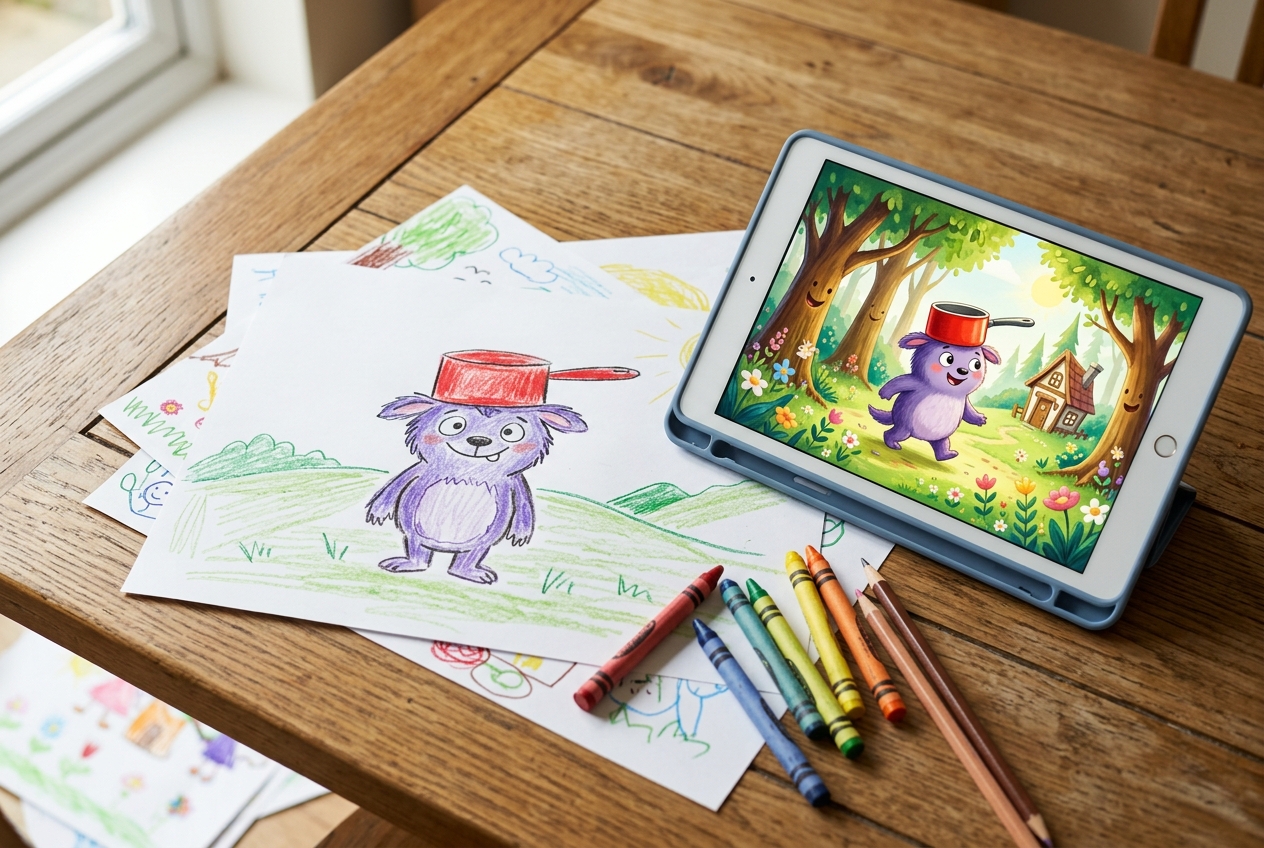
First, the app reads the drawing. It picks out the main character — Norbert with his saucepan hat, or a one-eyed cat, or a wobbly house with smoke coming out of it — and lifts it gently from the page. The shaky crayon lines stay; the slightly-too-big eyes stay. Nothing gets “fixed”. The character your child drew is the character that goes into the book.
Second, the app offers a few short, curated plot ideas — the kind you’d find in a picture book, like a friendly adventure, a small problem solved, or a new friend made — and your child picks the one they like best. Can’t read yet? Sparky reads each idea aloud first, so they can choose just by listening. The plots are still pre-approved; what’s new is your child gets to choose. The vocabulary is age-appropriate. The arc is gentle. There are no scary cliffhangers, no romance subplots, no surprise villains. You’re getting the kind of story you’d find in a picture book aimed at three- to seven-year-olds, not a Netflix pitch.
Third, the app illustrates the rest. Each page is laid out like a small storybook, with your child’s character moving through new scenes — a forest, a beach, a kitchen — drawn in a style that matches their original crayon work. The result is something the child immediately recognises as theirs. Not slick. Not perfect. Personal.
The technology has been around in adult tools for a while; what’s new is the wrapping. The good kids’ apps put guardrails on every step — the plots are pre-approved, the language is filtered, and there is no open prompt box where a child can type whatever they like. We’ve written more about why that matters in our companion piece on turning kids’ drawings into animated videos, which uses a similar pipeline. The principle is the same: the child’s hand starts the process; everything the AI adds is constrained by design.
What a good story for a small child actually needs
Not every AI-generated story is worth the screen time. If you’re going to read something to your child at bedtime, it should clear the same bar a picture book from a good publisher clears. Here is what to look for.
A real shape. A beginning, a middle, and an end where something is resolved. Avoid tools that produce loose, drifting paragraphs. Children can tell when a story doesn’t land — they get fidgety and stop asking for the next page.
Vocabulary that stretches a little. The best children’s books drop one or two slightly bigger words in — enormous, peculiar, delighted — and trust the child to catch them from context. The sweet spot is “ninety percent words my child knows, ten percent words I get to explain.”
A character who behaves consistently. If Norbert is scared of Tuesdays on page one, Norbert had better still be scared of Tuesdays on page six. Children are quietly furious about continuity errors. A good story tool keeps the character’s traits stable across the whole book.
No frightening swerves. Tension is fine; a monster in a forest is fine. A monster that suddenly eats the protagonist is not — at least not for a three-year-old at half past seven. Stories for young children should resolve their tension warmly and quickly.
Words you’d happily read aloud. Try the first page out loud before you commit. If it sounds robotic, it is. The good tools sound human because, in a real sense, they are — the prompts and templates were designed by writers, not by an algorithm let loose.
Three quiet ways families actually use these stories
The novelty of the first AI-generated story is genuinely lovely — most kids react to it the same way they react to seeing themselves on video for the first time. But the real value shows up when the tool becomes part of a small ritual rather than a one-off party trick.
Bedtime stories starring the child’s own creatures. This is the obvious one and also the best one. A drawing made during the day becomes the protagonist of the story read that night. The day’s creativity gets a second life as the day’s wind-down. Even children who normally resist bedtime stop resisting when the hero of the book is a creature they invented.
A growing “library of us.” Some families keep every story their child generates in one folder, in date order. By the end of a year you have a small archive — Norbert in March, the Three-Legged Cat in June, the Time-Travelling Postbox in October. It’s a quiet record of how your child’s imagination changed across twelve months.
Story-led drawing prompts. Reverse the flow. Generate one story, then ask: what would the second adventure be? Let them draw it. Then generate that one. You’ve turned a single tool into an afternoon of writer’s-room play, with your five-year-old as the showrunner.
If you want some scaffolding for the conversations these stories tend to spark, our post on how to talk to kids about their art has practical scripts for the small questions — “tell me about this part” and “what was happening when you drew this” — that work just as well for a story as they do for a drawing.
A short safety checklist before you press generate
There are a lot of “AI story” apps now. Most are made for adults and have been retrofitted for children, which is a polite way of saying they are not really for children. Before you let one anywhere near a five-year-old’s drawing, run it through these five questions.
Does the app have an open text box where a child can type any plot they like? If yes, walk away. That’s a content-moderation problem dressed up as a feature.
Are the art styles, vocabulary, and plot arcs curated and age-appropriate by default? They should be — and the app should say so plainly.
Is there a clear, readable policy on what happens to the drawings and stories your child generates? “Stored, never shared, never used to train models” is the baseline, not the bonus.
Can a child share or publish anything without an adult unlocking it? They shouldn’t be able to. Sharing is a parent action.
Is it free of ads and aggressive in-app purchases? Children can’t meaningfully evaluate a “buy now” prompt; tools built for them shouldn’t show them.
DrawToLife was built with this checklist in mind. It’s designed for ages three to eight, ad-free, with no open prompt box, no chat, and no way for a child to publish a story without a grown-up — the only kind of app I’d put on my own child’s tablet.
The first time you try it, keep it small
If you’ve never tried to turn kids’ drawings into stories before, resist the urge to make the first one a masterpiece. The first story exists for one reason: to let your child understand the connection between the wobbly thing they drew on paper and the small book that came out the other side.
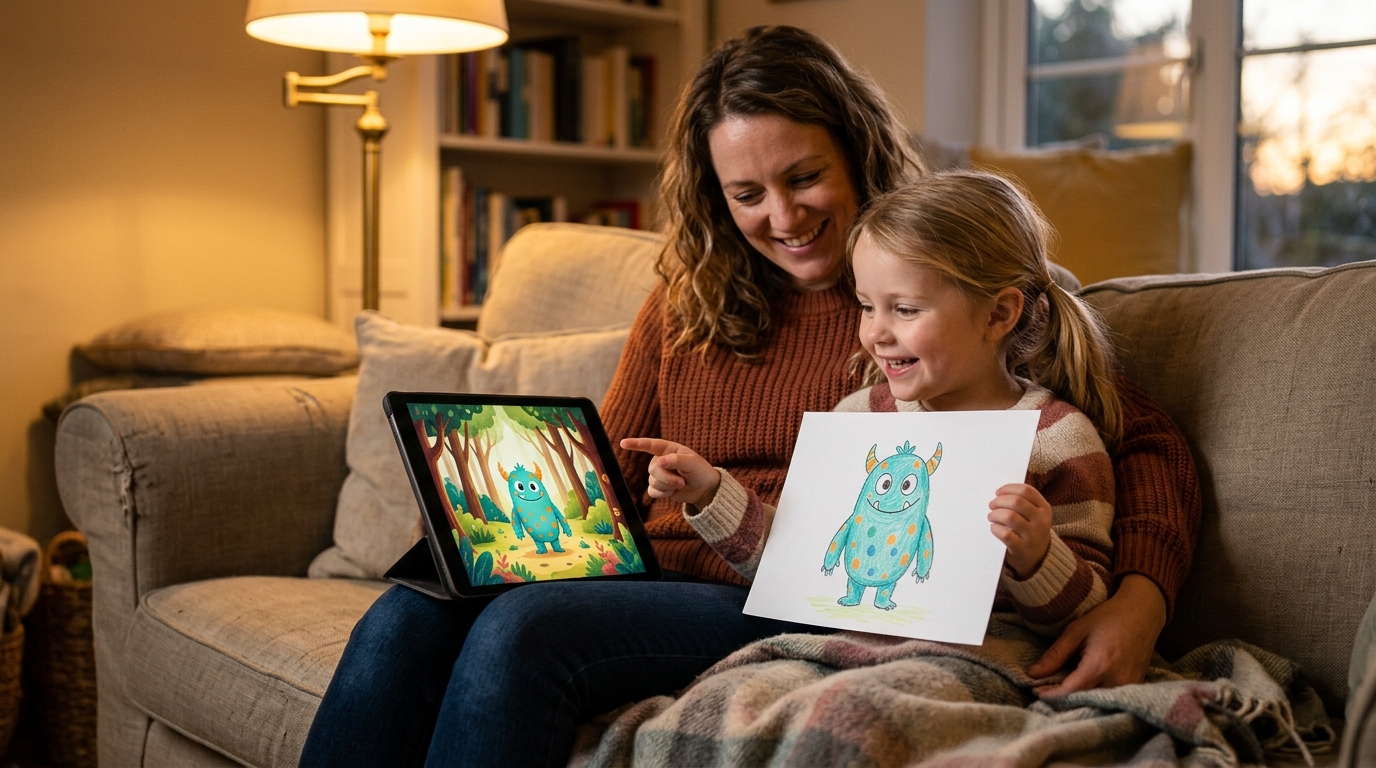
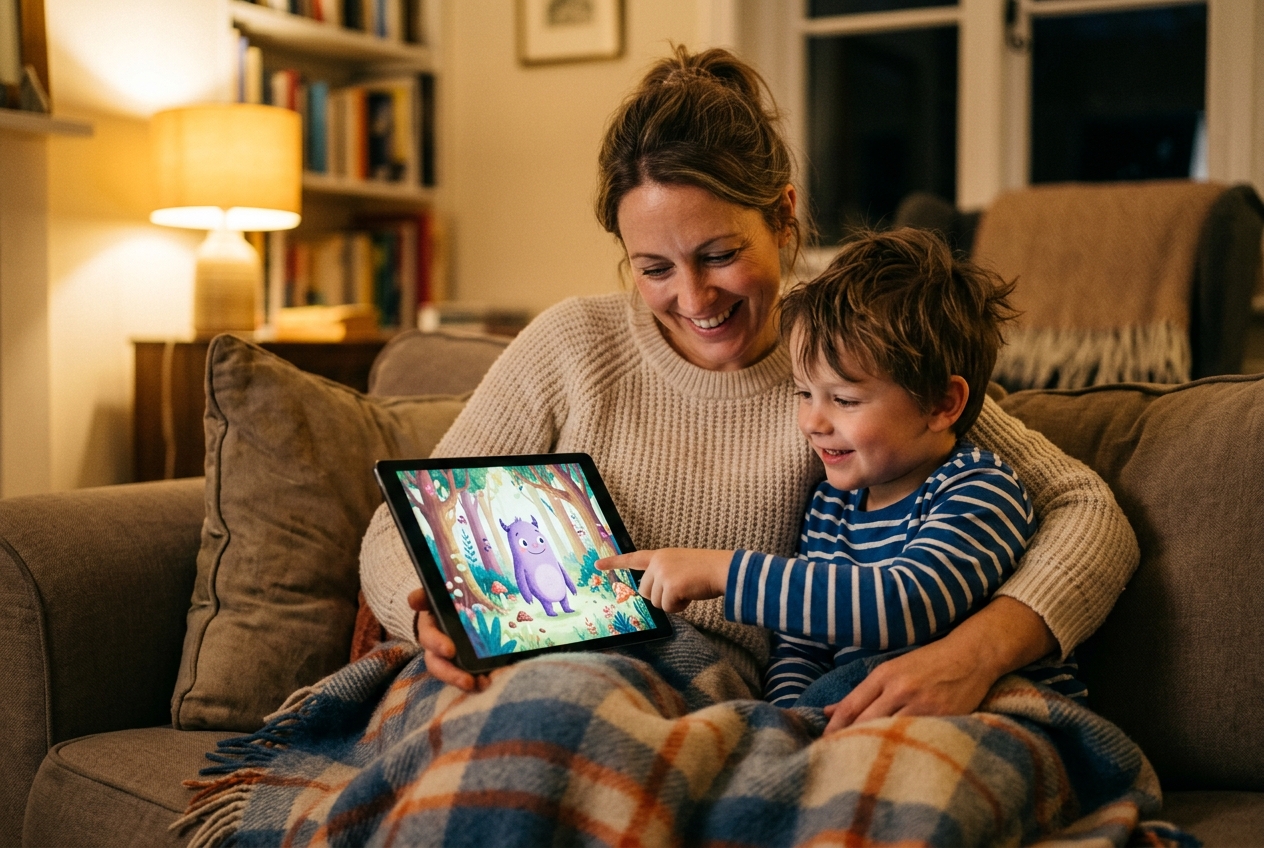
Pick a single drawing your child is proud of. A character, on plain paper, with thick lines so the app can see it clearly. Sit next to them while the story generates — this part takes seconds, not minutes — and read the first page aloud the moment it appears. Watch their face. The look you get when a child realises that the monster they invented this morning is now the hero of a real, illustrated book is genuinely one of the better things you’ll see this year.
After that first one, something shifts. The next time they sit down to draw, they’ll think about the character a little harder. Where does it live? What’s it afraid of? What does it want? They are not just doodling any more. They are casting the lead role of the next book.
That’s the whole point. We aren’t replacing the crayon — and for the nights you can’t be there to read it yourself, Sparky can read the story aloud. We’re adding one rung to a ladder that goes from a scribble on the kitchen table to a child who believes the things they make are real, and worth keeping. Norbert lives in the boiler. He’s scared of Tuesdays. Tonight, he gets a book.