Turn Kids' Drawings Into Animated Videos With AI
My niece once spent forty minutes drawing a pink octopus that she announced was a pirate captain called Boris. Boris had a sword, a tiny hat, and — this was the important bit — a spaceship. When she finished, she slid the paper across the kitchen table and said, with absolute conviction, “Now press play.” She was four. She had never used a video editor in her life. But the logic was airtight: if a story existed, someone ought to be able to watch it.
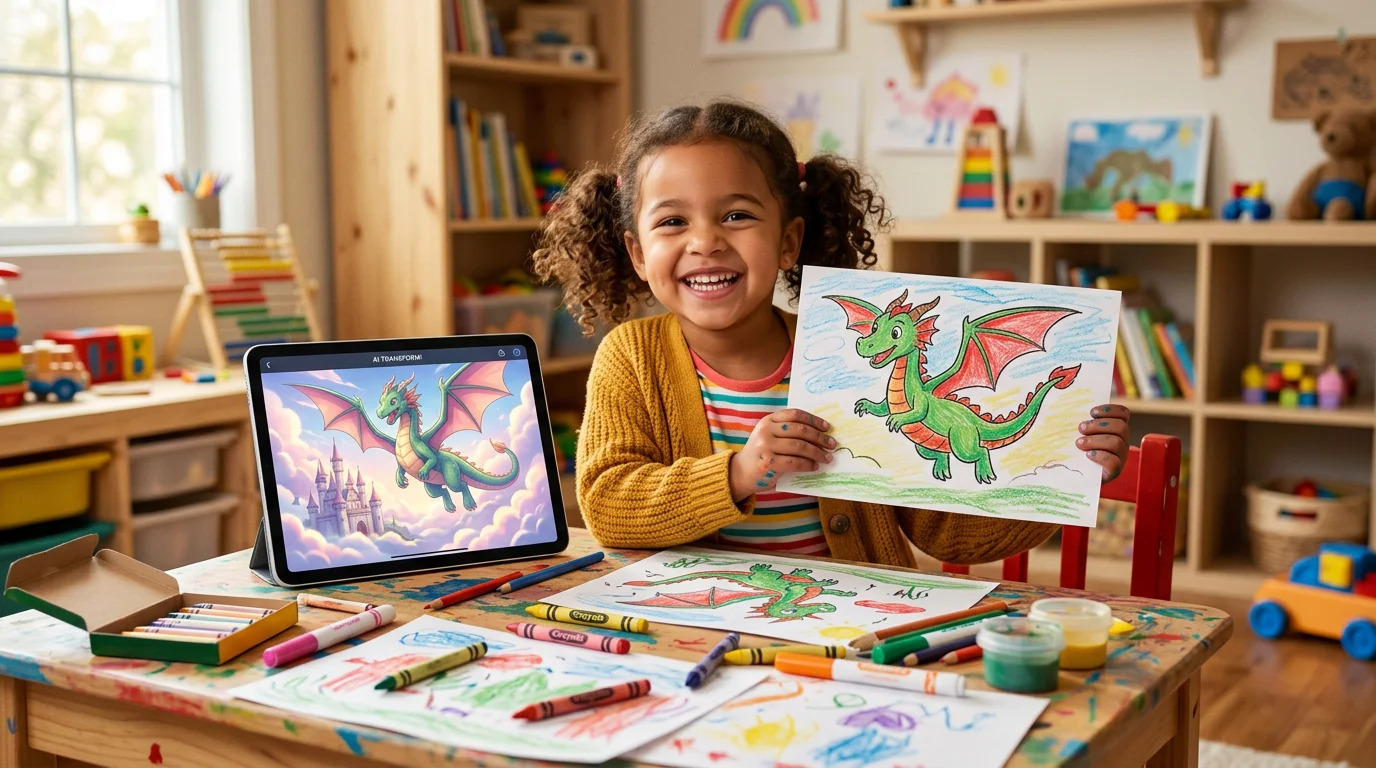
That moment sums up what changes when you turn kids’ drawings into videos. The drawing is no longer the end of the creative process — it’s the opening scene. And thanks to a new generation of child-safe AI tools, pressing play on Boris the Pirate Octopus is now something parents can actually do.
Why animation matters more than another pretty picture
Parents often ask whether turning a drawing into animated art is just a novelty — a fun filter and nothing more. The research on early childhood storytelling suggests otherwise. When children see their own work move, they stop being the artist and start being the director. They begin narrating: now he flies over the volcano, now the hat falls off, now he meets a squid who’s his best friend.
That narrative layer is exactly what early literacy researchers have been pointing at for years. A 2019 review in Early Childhood Education Journal found that narrative play — not letter recognition, not phonics flashcards — is one of the strongest predictors of reading comprehension later on. Drawing gives children the pictures. Animation gives them a reason to string the pictures together into a story.
And unlike passive screen time, this kind of video starts with the child’s own hand. There’s no algorithm choosing what they watch. The content is, quite literally, them.
How the AI actually works (in parent-friendly language)
You don’t need a degree in machine learning to understand this, but it helps to know roughly what’s happening when you turn kids’ drawings into videos. There are three steps, and they happen in seconds.
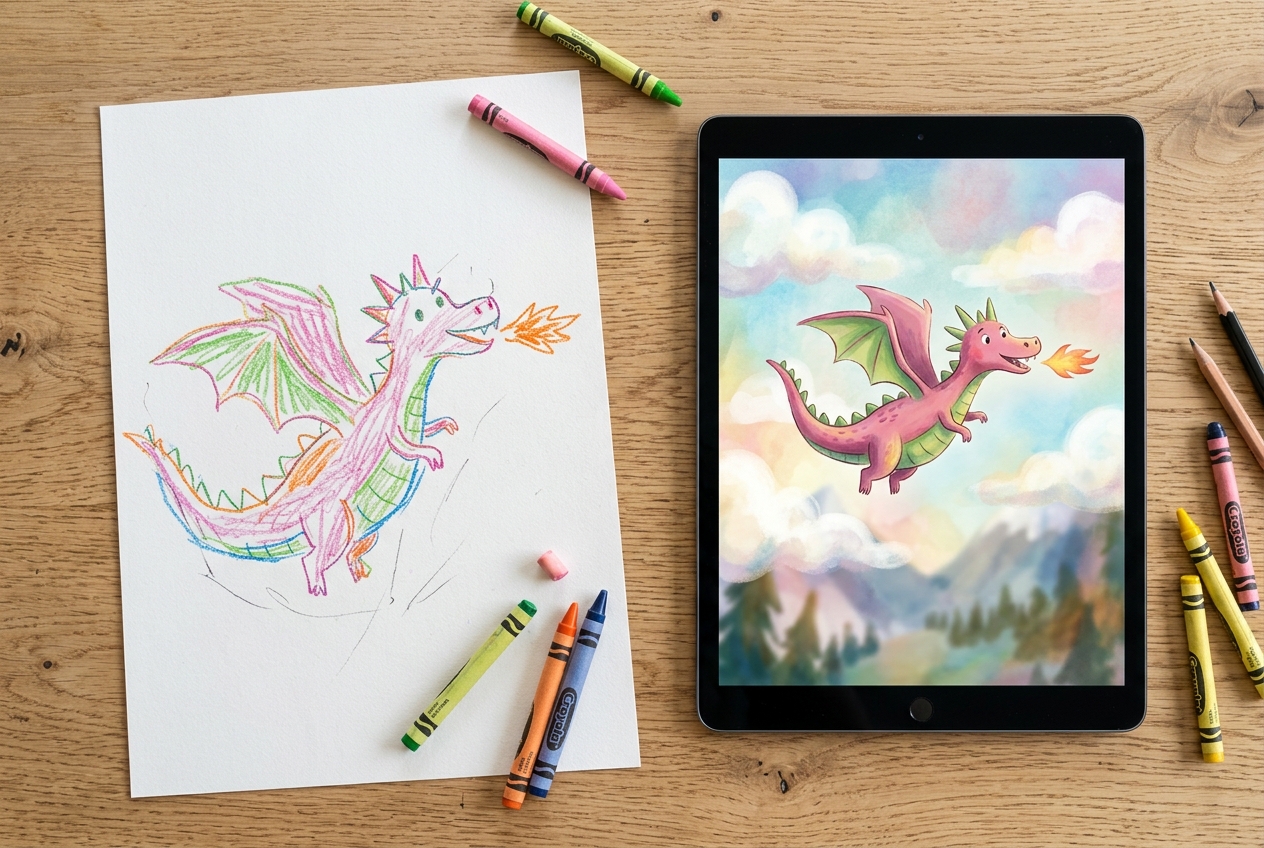
First, the AI reads the drawing. It identifies the main character, the background, and any obvious action the child has suggested — a sun, a cloud, a line that might be a path or a road. Second, it translates that flat image into a simple scene with a foreground and a background. Third, it introduces gentle motion: a dragon might flap its wings, a boat might rock, a rainbow might shimmer.
The key word there is gentle. The good apps in this space don’t try to turn your child’s drawing into a Pixar short. They preserve the original lines, the shaky wobble of a four-year-old’s crayon, the slightly-too-big eyes, the hopeful colour choices. What they add is just enough movement to make the scene feel alive. The result looks like the drawing itself has woken up — not like it’s been replaced by something slicker.
That preservation matters. Kids can spot when their art has been overwritten, and they lose interest fast when it doesn’t feel like theirs any more.
Choosing a safe app for animated kids’ art
Not every tool that claims to turn kids’ drawings into videos is built for children. Some are repurposed adult design tools with a colourful skin. Others quietly route images through servers that aren’t set up for child data. When you’re handing a tablet to a five-year-old, “quietly routes” is not what you want.
Here’s a short checklist I’d use before letting any app near your child’s drawings:
- No open-ended prompt box. A text field where a child can type “cars racing with flames” is a content moderation nightmare waiting to happen. Apps built for kids use a curated set of art styles and safe, pre-defined actions.
- No ads, no in-app purchases aimed at children. Free-to-start is fine. Free-with-loot-boxes is not.
- Clear data policy. The app should say what happens to the drawings after they’re processed, whether they’re used to train models, and who can see them.
- Age-appropriate outputs only. The animations should be warm, simple, and free of anything remotely adult in tone.
- Parent-led sharing. Exporting a video or posting it anywhere should require a grown-up, full stop.
DrawToLife was built specifically with this checklist in mind — it’s designed for ages 3 to 8, has no ads, no open chat, and no way for a child to publish anything without a parent. Tools like this make the video experience feel like a shared family moment rather than a chore of supervision.
Where animated drawings actually fit into family life
The novelty of the first transformation is wonderful, but the real value shows up when animated drawings become part of a small ritual. A few ways families we’ve spoken to use them:
Bedtime story replays. Your child tells a story, draws a scene from it, and then watches the scene animate while you read the story aloud again. It’s gentle, it’s short, and it turns a ten-minute drawing session into a twenty-minute memory.
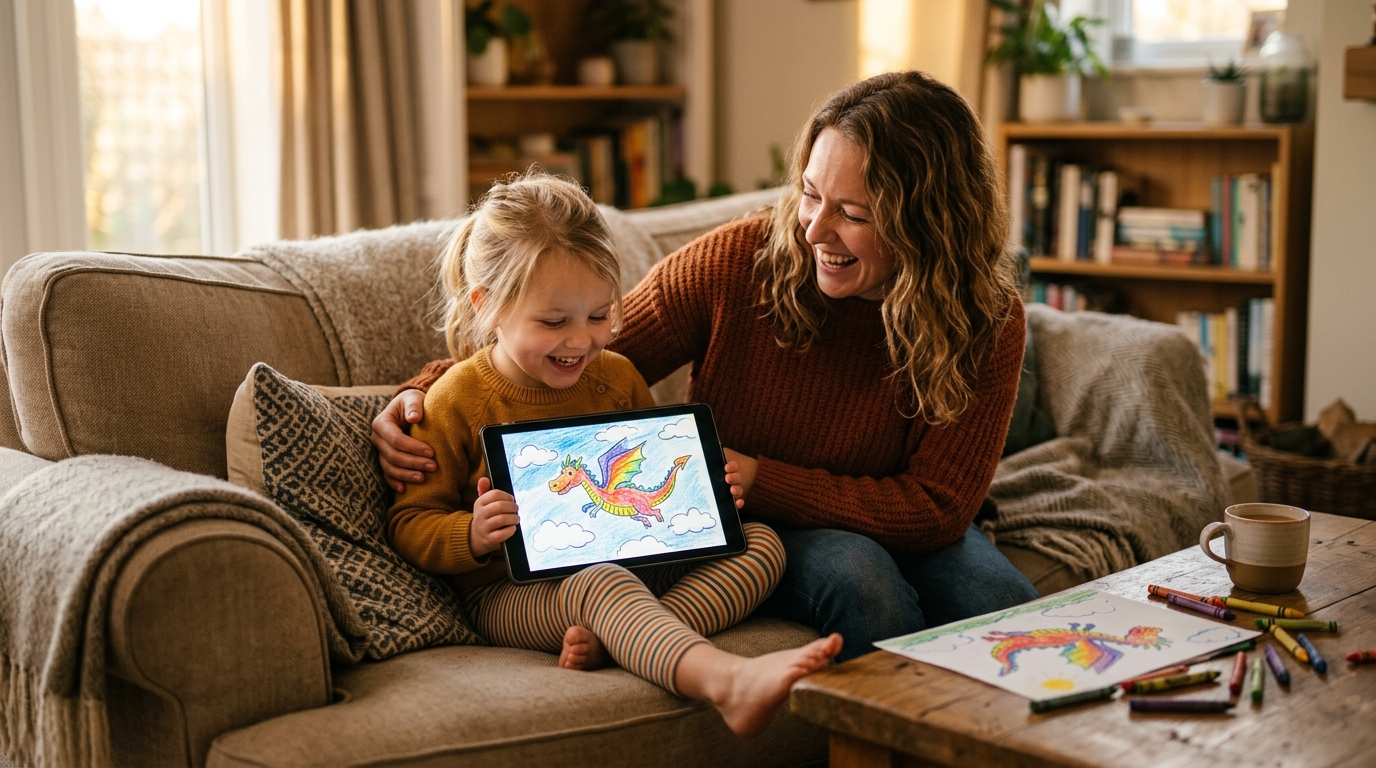
Video cards for grandparents. An animated drawing lands in a family WhatsApp group in a way a photo of the drawing never quite does. It’s the same picture, but it waves. Expect a phone call within ten minutes.
Emotional processing. Therapists who work with young children have been using drawing as a conversation tool for decades. Adding a gentle animation on top gives kids another vocabulary to talk about what they’ve drawn. A dragon that flies away can open a very different conversation from a dragon that stays put.
Creative boredom breaks. On a long rainy afternoon (see also: rainy day drawing ideas), the promise that the day’s drawings will “come alive” at the end can keep a reluctant artist going for another twenty minutes. It’s a gentle carrot, not a bribe.
A simple first-time workflow
If you’ve never tried to turn kids’ drawings into videos before, don’t overthink the first attempt. The goal of the first one is not to produce something beautiful — it’s to make sure your child understands the connection between their drawing and the thing on the screen.
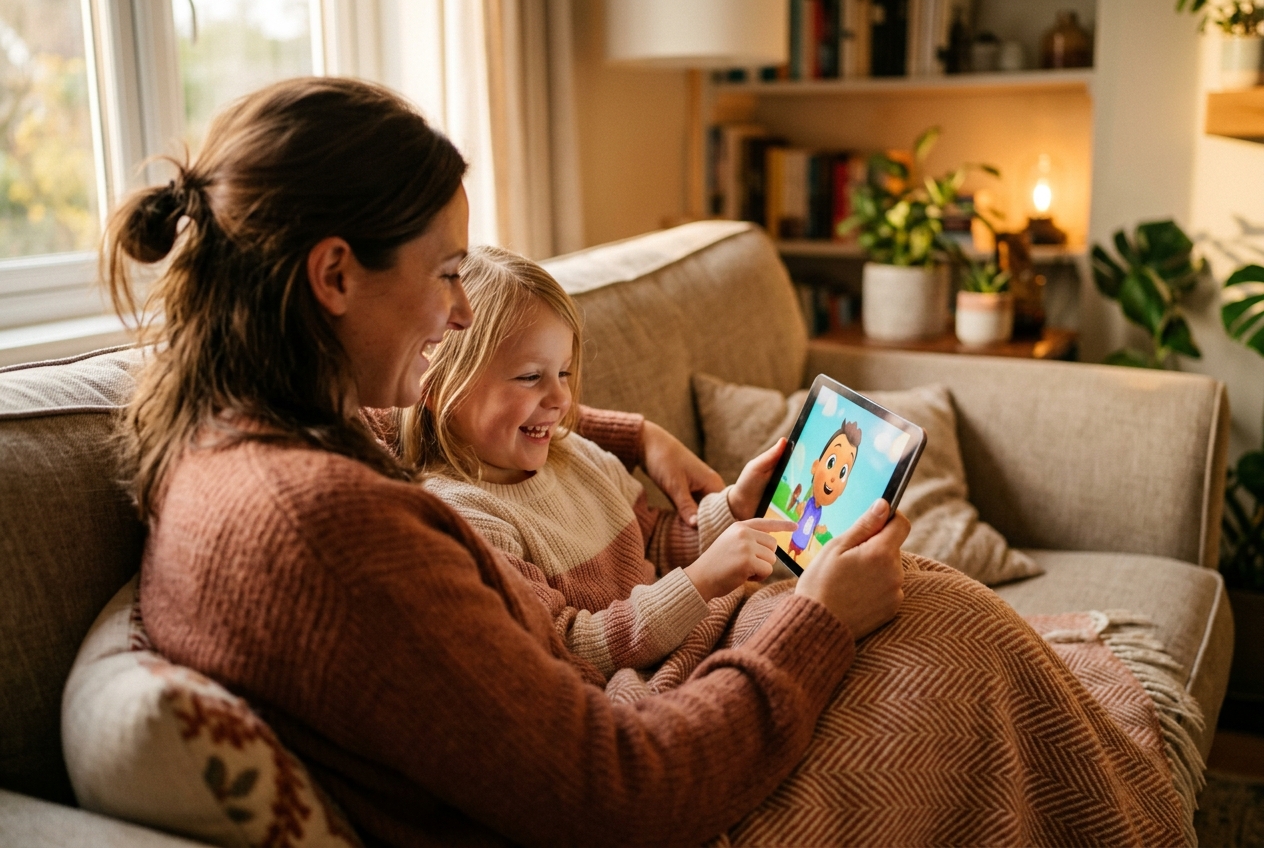
Start with a single character on plain paper. A dragon, a fish, a dog, a robot — anything with a clear shape. Keep the background empty. Use thick crayons or markers so the lines show up clearly when the tablet camera captures them. Sit together while the app processes the image, and watch your child’s face the moment the animation starts. That face is the reason you’re doing this.
After the first video, you’ll notice something. Your child will go back to the paper with more intent. They’ll think about whether their character has wings or legs, whether it’s standing or jumping, whether the sky behind it is cloudy or clear. The animation has given their drawing a purpose, and purpose is what turns idle scribbling into genuine practice.
If you want to go deeper into what each drawing stage looks like, our guide to children’s drawing development stages walks through what to expect at each age.
A gentle note on screen time
It would be dishonest to end a post about AI animation without acknowledging the obvious tension: this is still a screen. A video, played on a tablet, consumed in the evening. Every sensible guideline on children’s screen time applies.
The difference — and it’s a meaningful one — is that the screen here isn’t replacing the drawing. It’s rewarding it. The pipeline starts with a crayon, a piece of paper, and a child’s imagination. The tablet is the last two minutes of a forty-minute creative session, not the first forty minutes of a passive one.
Used that way, animation becomes one of the healthiest uses of a screen a young child can have: short, active, child-led, and deeply personal. Used the wrong way — as an endless scroll of other kids’ videos, or as a pacifier at dinner — no AI in the world will make it good for them. The tool is just a tool. You’re still the parent.
The takeaway
The best moments I’ve watched happen with DrawToLife aren’t the ones where the video looks most polished. They’re the ones where a child realises, for the first time, that their drawing can do something other than sit on the fridge. Boris the Pirate Octopus can fly. The purple cat can wave. The wobbly house can have smoke rising from its chimney. The invisible line between “a picture I made” and “a story I’m telling” disappears.
That’s the shift worth reaching for. Grab some thick crayons, ask your child what they want to bring to life, and see what happens next. Keep the paper. Save the video. And when they announce, with the same four-year-old conviction, that it’s time to press play — do.