Make Your Child's Drawing Come Alive: A Parent's Guide
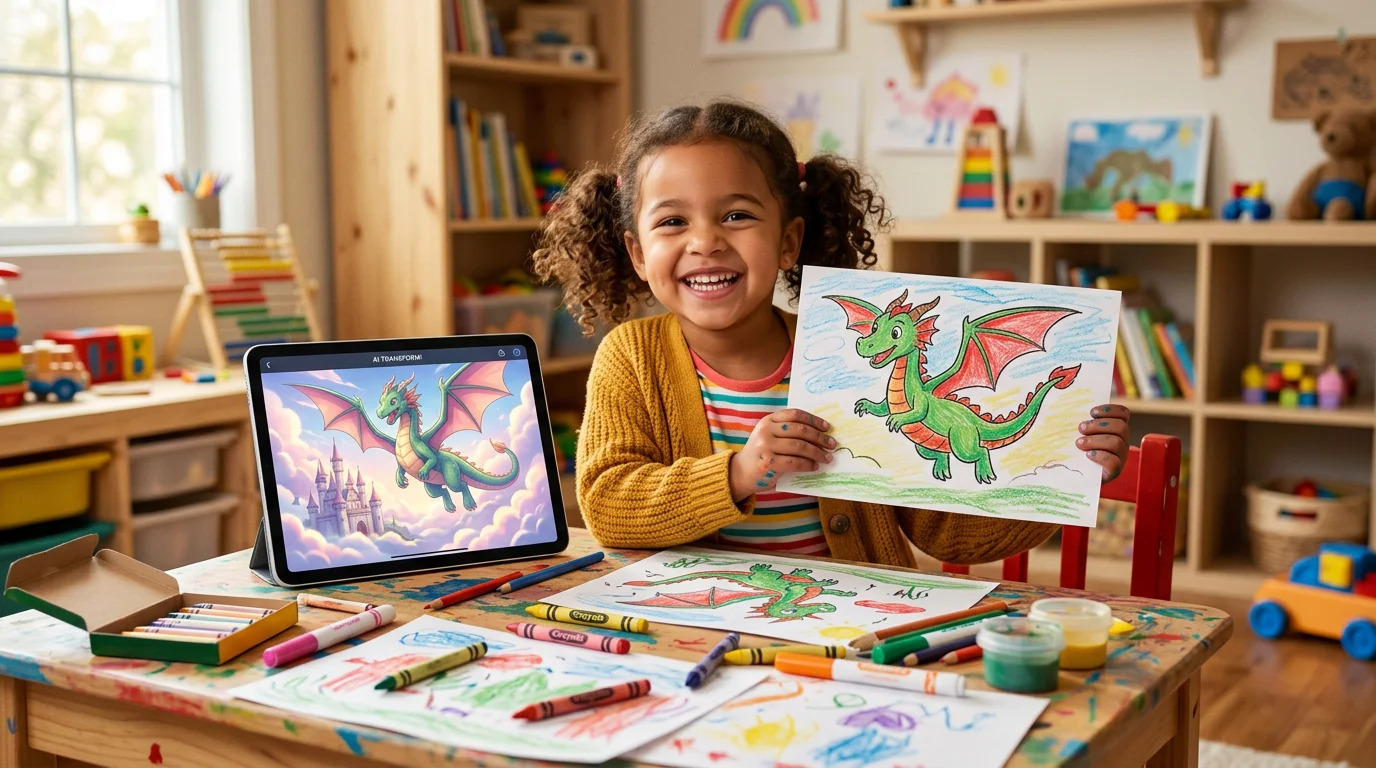
There’s a particular face children make. You’ve probably seen it. It’s the face when something they made — something they were a little unsure about — turns out to be wonderful. The eyebrows go up, the mouth opens, and for half a second they forget you’re even in the room. I saw it most clearly the afternoon my nephew watched his drawing of a one-winged owl flap that single wing and lift off the screen. He didn’t say a word. He just pointed.
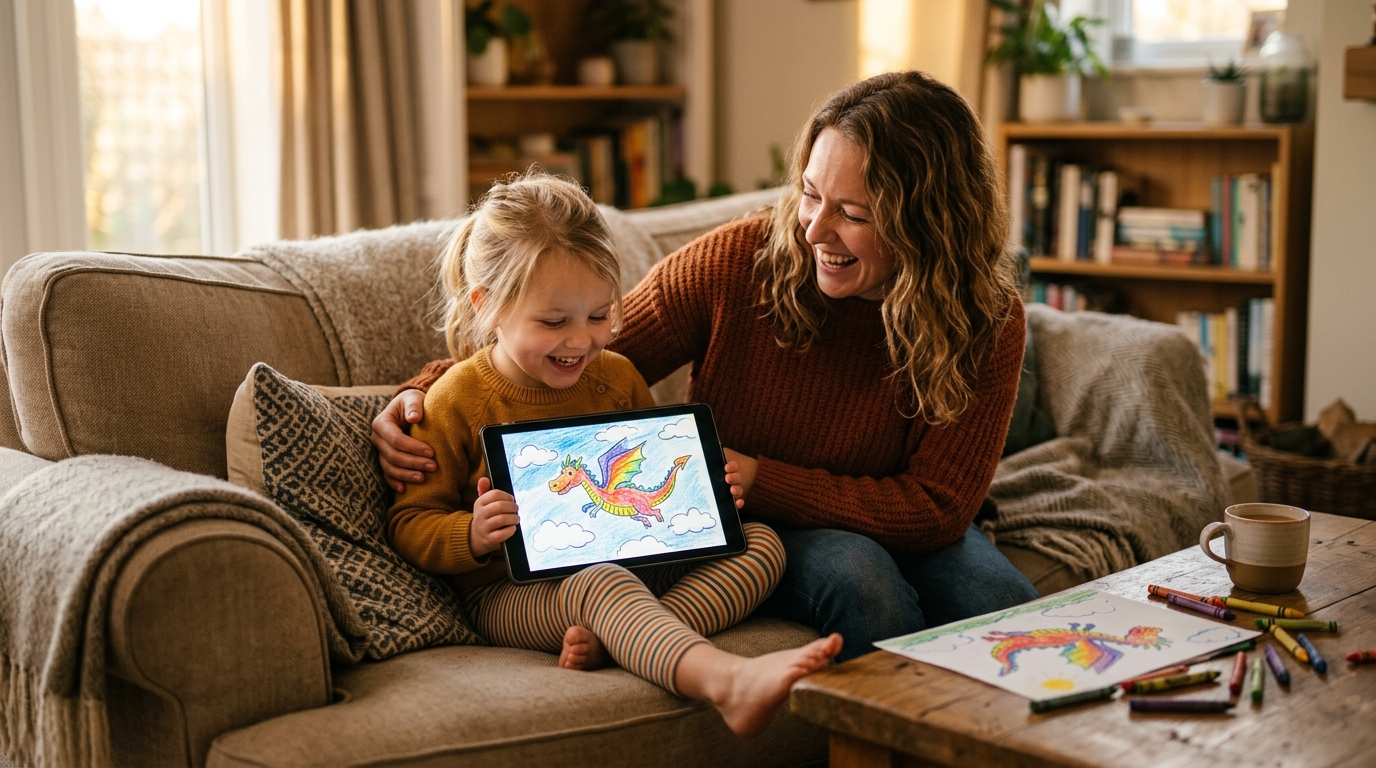
That face is what parents are really chasing when they go looking for ways to make their child’s drawing come alive. It isn’t about the technology. It’s about the moment a child realises that the thing they imagined is real enough to move. And the wonderful part is that getting there has never been simpler or safer than it is now.
What it really means to make a drawing come alive
“Come alive” can mean a few different things, and it’s worth separating them, because each one gives your child a slightly different gift.
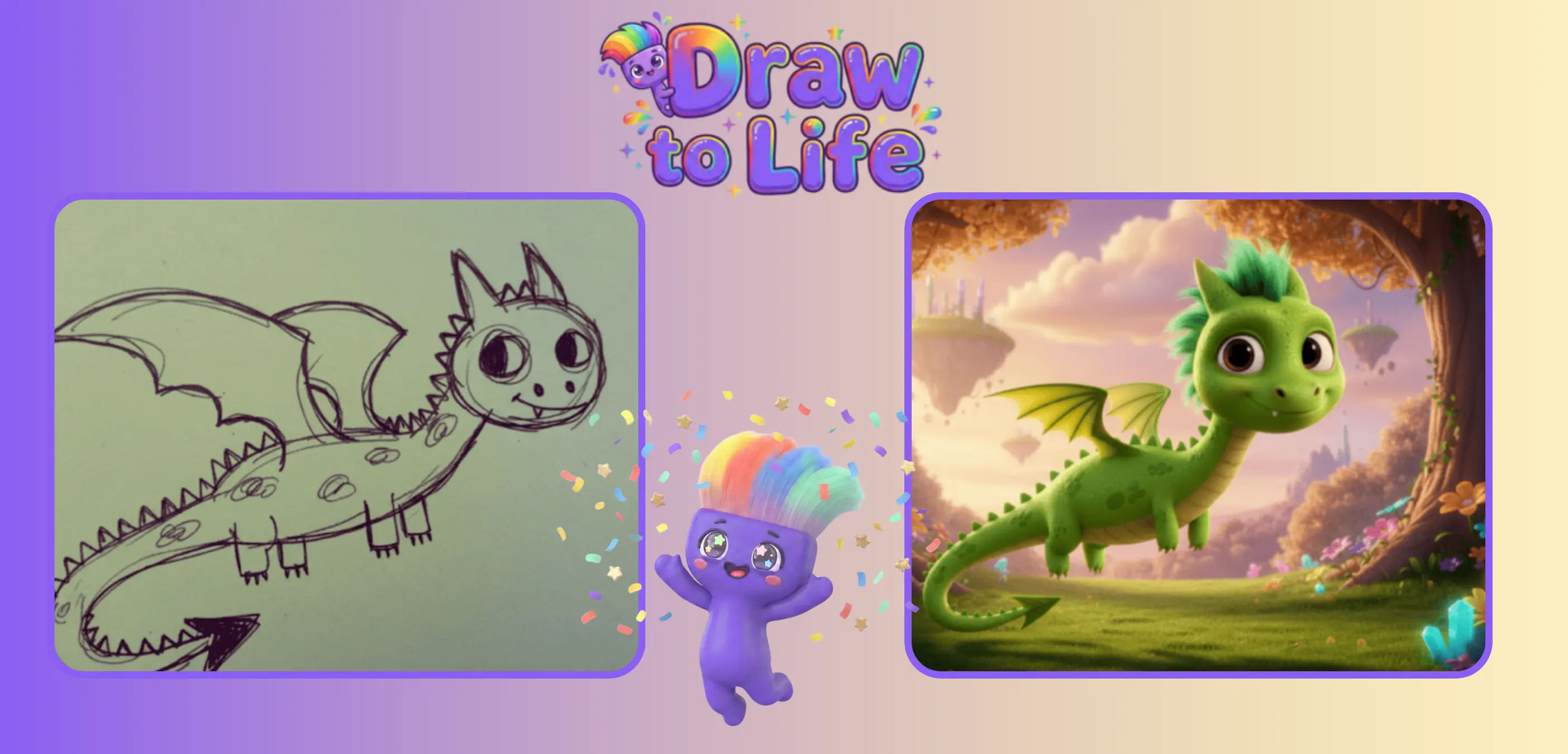
It can mean transformation — taking a flat crayon sketch and rendering it as polished artwork, so the lopsided owl becomes a glossy, gallery-worthy character while keeping its lopsidedness intact. It can mean animation — adding gentle movement so the owl actually flaps, the boat rocks, the rocket lifts off. And it can mean story — giving the character a name, a voice, and a small adventure to go on.
All three turn a finished picture back into something unfinished and full of possibility. All three send the same quiet message to a child: what you made matters, and it’s worth bringing to life. Below, we’ll focus mostly on the first two, because they’re the ones that produce that pointing-at-the-screen face fastest.
How to make your child’s drawing come alive in three steps
You don’t need to be artistic yourself, and you don’t need any special equipment beyond a phone or tablet. Here’s the whole process, start to finish.
Step 1: Start with a real drawing on real paper
This sounds obvious, but it’s the most important step. The magic only works if it begins with your child’s own hand. Encourage a single, clear character on plain paper — a dog, a dragon, a robot, a flower — drawn with thick crayons or markers so the lines are bold. A busy page crammed with twelve overlapping scenes is harder to bring to life than one confident creature with room to breathe. If your child is reluctant to draw in the first place, our guide on how to encourage kids to draw has gentle ways in that don’t involve nagging.
Step 2: Snap a photo in good light
Lay the drawing flat, find some natural light, and fill the frame with the paper. Avoid shadows falling across the page and keep the camera steady. This thirty-second habit is the single biggest factor in how good the result looks — a clear photo gives the app clean lines to work with, and clean lines are what keep the finished version looking like your child’s drawing rather than a generic one.
Step 3: Choose what kind of “alive” you want
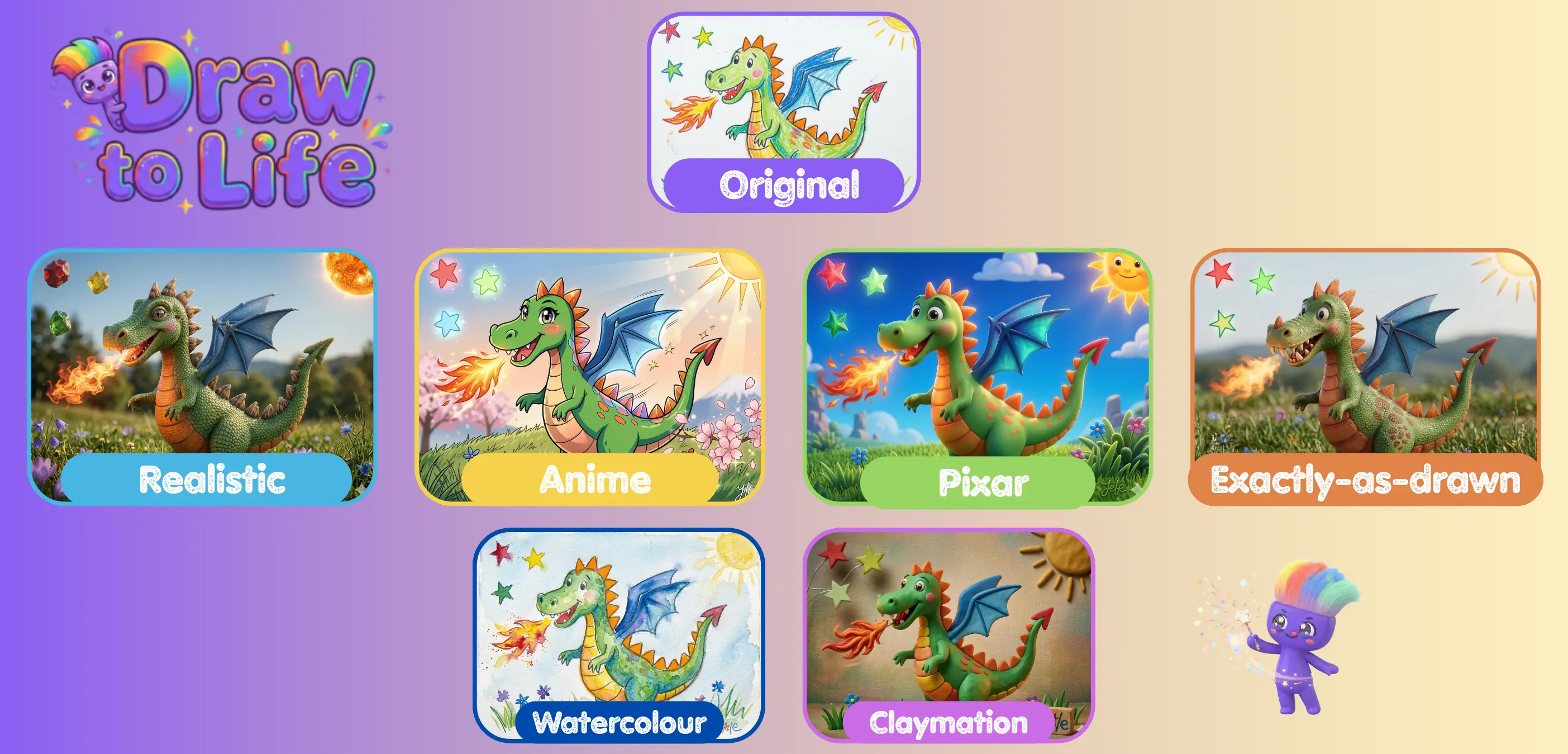
This is the part to hand over to your child. Do they want their owl rendered as a soft watercolour painting, a 3D Pixar-style character, or a claymation figure? Do they want it to stay still and look stunning, or do they want it to move? Let them pick. There’s no wrong answer, and half the fun is trying the same drawing several ways to see which one makes them gasp.
Polished art, or actual movement?
Here’s a simple way to decide which route to take on any given day.
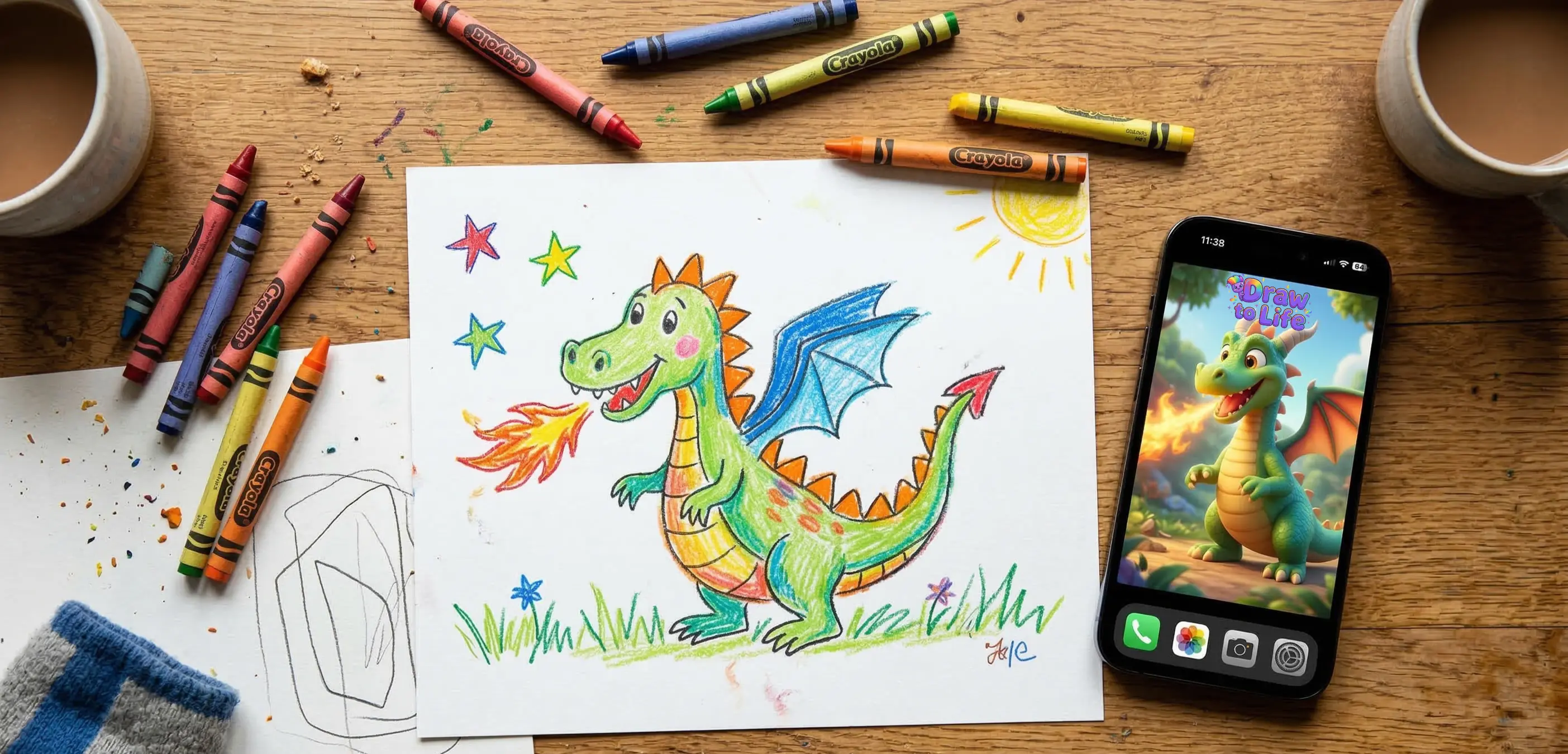
If your child wants their drawing to look finished and beautiful — something you’d print, frame, or post to the grandparents — reach for an art transformation. A tool like DrawToLife takes the crayon sketch and reimagines it in a chosen style while preserving the original pose, expression, and little details. The seven-fingered hand stays seven-fingered. The too-big smile stays too big. That preservation is the whole point: it’s still unmistakably theirs, just dressed in its best clothes. Our walkthrough on turning kids’ drawings into professional art shows what each style looks like.
If your child wants their drawing to do something — to flap, jump, sail, or fly — reach for animation instead. DrawToLife has a dedicated animate-your-drawings feature that adds gentle, age-appropriate motion in seconds, and it’s the route most likely to produce that wordless, pointing-at-the-screen reaction. The two aren’t mutually exclusive, either; plenty of families transform a drawing into polished art one evening and animate the same character the next.
Why “alive” beats “perfect” every time
It’s tempting to think the goal is to make a child’s drawing look as professional as possible. It isn’t. The goal is to make it feel alive — and those are different things.
A drawing that’s been over-polished into something a child no longer recognises doesn’t light them up; it quietly tells them their version wasn’t good enough. A drawing that’s been brought to life as it was — wobbles and all — does the opposite. It says the wobbles were never a problem. They were the whole charm. Children are remarkably sensitive to this distinction, which is why the best tools work so hard to keep the original lines visible underneath whatever style or motion gets added on top.
This is also why bringing drawings to life tends to make kids draw more, not less. They draw, they see it come alive, they feel proud, and they reach straight for the next sheet of paper. It’s a loop, and it runs on pride. For a deeper look at how this kind of AI actually supports — rather than replaces — a child’s creativity, see our piece on how AI helps kids express their creativity.
A quick word on safety
Whenever an app is involved, the same rules apply. Make sure anything you use to bring your child’s drawings to life is genuinely built for children: no open text box where a child can type any prompt, no ads, no aggressive in-app purchases, a clear policy on what happens to the uploaded drawings, and no way for a child to share or publish anything without a grown-up unlocking it first. DrawToLife was designed for ages 3 to 8 with all of those guardrails baked in, which is what makes it something you can comfortably hand over rather than hover over.
Try it tonight
You don’t need a plan or a special occasion. Next time your child hands you a drawing they’re proud of, don’t just stick it on the fridge — though do keep it. Snap a photo, sit down together, and let them choose how to bring it to life. Watch for the face. The raised eyebrows, the open mouth, the silent point at the screen.
That’s the moment a child stops thinking of their drawings as scraps of paper and starts believing the things they make are real, and worth keeping. The owl only had one wing. Tonight, it flies anyway.