Creative Screen Time for Kids: Tablet Time Without Guilt
Your six-year-old is lying on the sofa, tablet propped on her knees, completely absorbed. From across the room, it looks like every other screen-time moment you’ve ever felt vaguely guilty about. But then she jumps up, grabs a fistful of crayons, and starts drawing furiously. “I need to make the dragon better this time,” she announces, “because last time the wings were too small.”
That’s creative screen time for kids in action — and it looks nothing like passively swiping through videos.
The screen time debate has been rumbling through parenting circles for over a decade, and most of us are tired of the guilt. But the conversation is starting to shift. Researchers, paediatricians, and educators increasingly agree that the type of screen time matters far more than the amount. Thirty minutes of creating, experimenting, and problem-solving on a device is a fundamentally different experience from thirty minutes of passive consumption — and the developmental outcomes reflect that.
So how do you tell the difference? And how do you steer your child toward the kind of screen time that actually builds skills?
The Passive vs. Creative Divide
Not all apps are created equal, and the distinction matters more than most parents realise.
Passive screen time is consumption-driven. The child watches, scrolls, or taps through pre-made content. Think autoplay video playlists, endless-scroll feeds, or games where the only interaction is tapping to collect rewards. The child’s brain is receiving input, but it’s not generating much output. Engagement is high — these apps are engineered for it — but learning tends to be shallow.
Creative screen time is production-driven. The child makes something: a drawing, a story, a piece of music, a coded animation, a photo collage. The device becomes a tool rather than a television. The child is making decisions, solving problems, iterating on their work, and producing something that didn’t exist before they started.

Research from the American Academy of Pediatrics now emphasises this distinction explicitly. Their 2024 updated guidance moved away from strict time limits for children over two and instead encourages parents to evaluate quality — asking whether the screen activity is interactive, creative, and used alongside a caring adult. The Joan Ganz Cooney Center at Sesame Workshop has published similar findings: children learn more from apps that require active creation than from those that offer passive entertainment, even when both are marketed as “educational.”
The takeaway isn’t that all screens are fine. It’s that the old binary — screens bad, no screens good — misses the point entirely.
What Makes Screen Time Genuinely Creative
If creative screen time for kids is the goal, you need a way to evaluate whether an app or activity actually qualifies. Here’s a practical framework — four questions to ask about any digital activity your child uses.
Does it start with the child’s own idea? The most valuable creative apps begin with the child’s input, not the app’s templates. Drawing apps where the child creates from scratch are more creative than colouring apps that fill in pre-drawn outlines. Story-making tools where the child invents characters are more creative than choose-your-adventure games with fixed paths. The child should be the author, not the audience.
Does it involve iteration? Creative work involves trying, adjusting, and trying again. Look for apps that let children revise, undo, experiment with different options, and build on their previous work. If the experience is linear — do this, then this, then this, done — it’s closer to a worksheet than a creative tool.
Does it produce something the child is proud of? A hallmark of genuine creative screen time is that the child wants to show you what they made. They run over with the tablet, eager to explain their choices. “Look, I made the castle purple because it’s a magic castle.” If your child never shows you what they did on an app, that’s a signal it’s consumption, not creation.
Does it lead back to the physical world? The best creative apps for young children create a bridge between digital and physical activity. An app that inspires your child to pick up crayons afterward is doing something right. If the device becomes a dead end — the child finishes and immediately asks for another screen activity — the creative loop isn’t closing.
The Developmental Case for Creative Screen Time
Parents often ask whether creative screen time “counts” — whether it offers the same developmental benefits as physical creative play. The research is encouraging.
A 2023 study published in Computers & Education followed 340 children aged 4-7 who used creative digital tools (drawing apps, story builders, and simple coding platforms) for 20 minutes a day over six months. Compared to a control group, these children showed measurable improvements in divergent thinking — the ability to generate multiple solutions to a problem — and in what researchers call “creative self-efficacy,” the belief that they can produce meaningful creative work.
This matters because creative self-efficacy is one of the strongest predictors of whether a child will continue creating as they grow older. Children who believe their creative efforts have value keep drawing, writing, building, and experimenting. Those who don’t tend to stop — often around ages 8-10, when self-consciousness peaks. If a well-designed app helps a five-year-old feel like a “real artist,” that emotional foundation can sustain creative practice for years.
The cognitive benefits extend beyond creativity. Creative apps that involve drawing strengthen fine motor control — the child is still making deliberate hand movements, just with a stylus or finger instead of a crayon. Apps that involve storytelling build narrative skills and vocabulary. And any creative app that requires the child to make choices, plan, and problem-solve is exercising executive function, the set of cognitive skills that underpin academic success.
For more on how drawing specifically supports development, our deep dive into why children’s drawing skills matter covers the research in detail.
Practical Guidelines for Parents
Knowing the theory is helpful. Knowing what to do on a Tuesday evening is better. Here are practical strategies for making creative screen time work in your home.
Set the stage, not the timer
Rather than rigidly counting minutes, focus on creating conditions where creative screen time happens naturally. Keep art supplies near the device. Sit with your child during digital creative time, at least some of the time. Ask what they’re making. Show genuine interest in their process.
This doesn’t mean time limits are useless — younger children especially benefit from clear boundaries. But shifting your attention from “how long” to “how engaged” tends to produce better outcomes. A child deeply absorbed in creating a digital artwork for twenty minutes is getting more from the experience than one who’s clock-watching through thirty minutes of a mediocre educational game.
Build the bridge between physical and digital
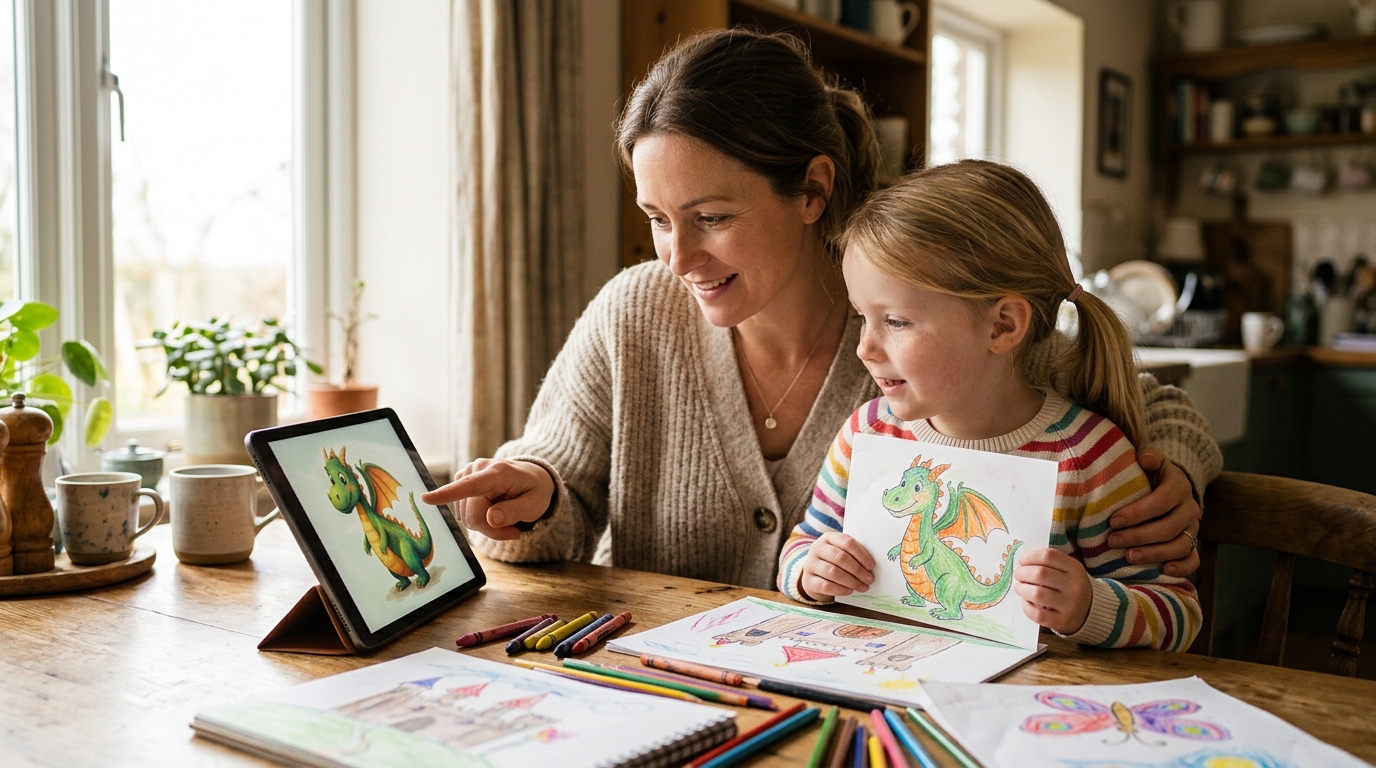
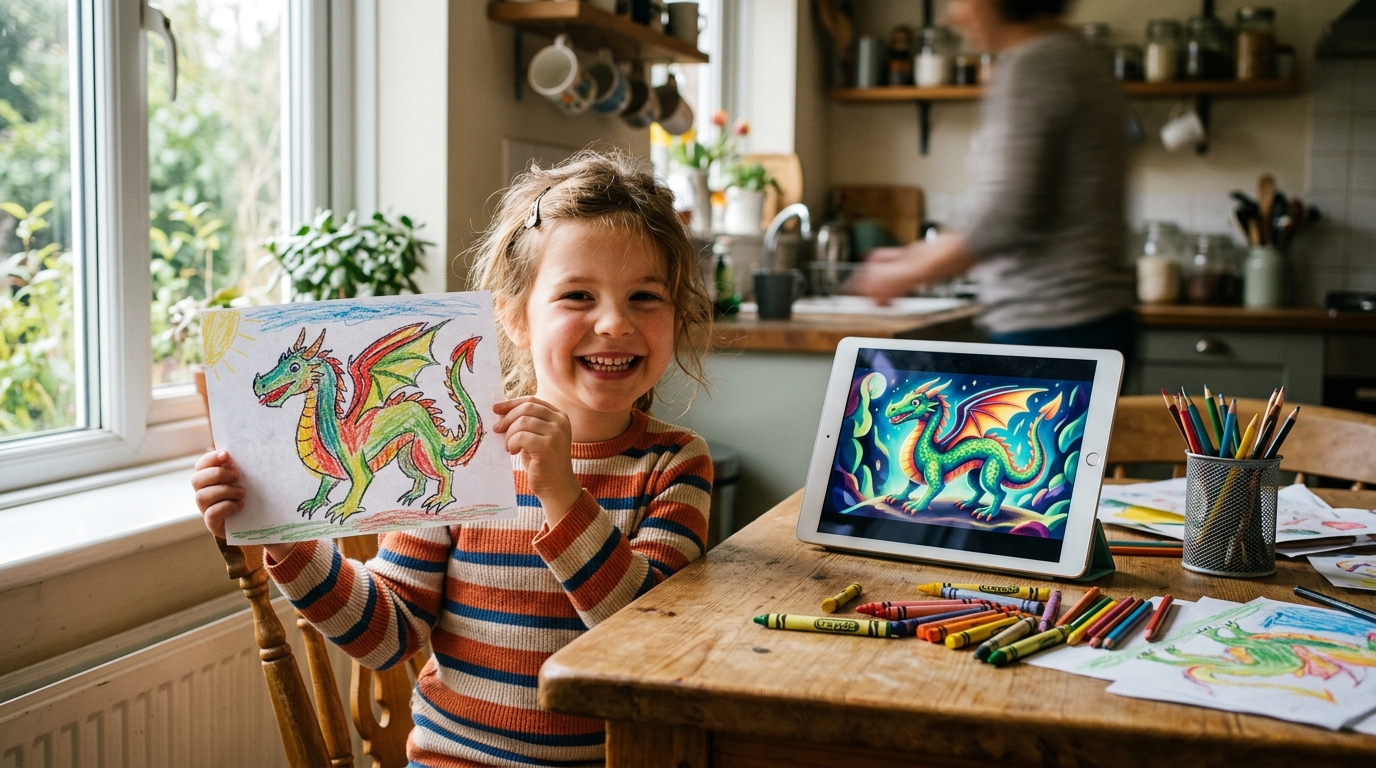
The most powerful creative experiences for young children happen when physical and digital activities reinforce each other. Here’s what this looks like in practice: your child draws a dragon with crayons. You photograph it together and use an app to transform it into polished digital art. Your child sees their crayon dragon as an anime character or a 3D-rendered creature. They’re inspired, so they draw another dragon — bigger, more detailed, with a background this time.
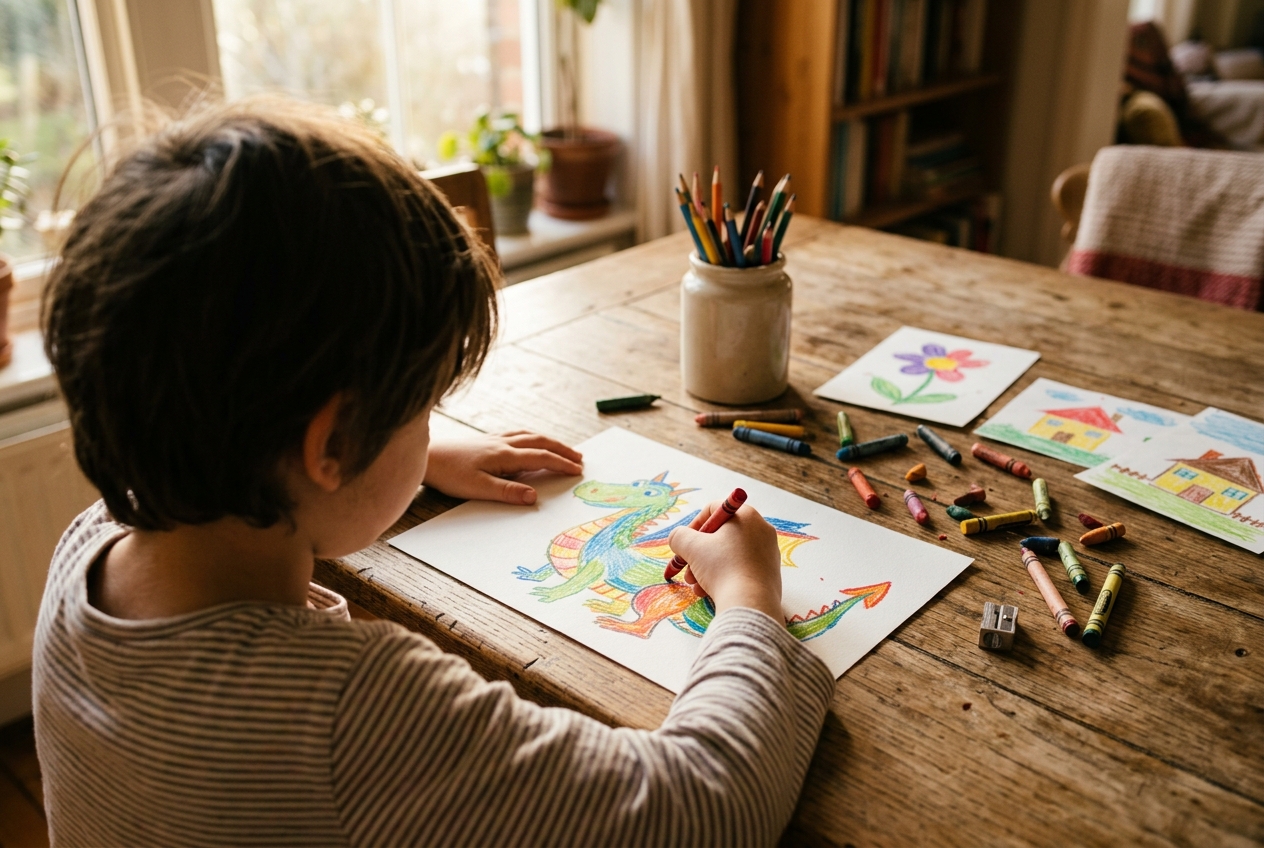
This draw-transform-draw cycle is exactly the kind of creative screen time that builds skills. The physical drawing develops fine motor control and spatial reasoning. The digital transformation builds creative confidence and visual literacy. And the motivation to draw again — that’s intrinsic motivation, the most powerful driver of long-term creative development. Tools like DrawToLife are designed around this cycle, keeping the child’s hand-drawn artwork at the centre while using AI to celebrate and extend their creativity.
Curate, don’t just limit
Most parenting advice about screens focuses on restriction: less time, fewer apps, more rules. But curation is more effective than limitation. Instead of saying “only thirty minutes of screen time,” try “here are three apps you can use, and here’s why they’re brilliant.”
When you curate your child’s app library deliberately — choosing tools that meet the four-question creative test above — you spend less energy policing and more energy participating. Your child has freedom within a thoughtfully designed space, which is exactly how creative environments work in the physical world too.
A few signs that an app belongs in your curated collection: it has no ads or manipulative monetisation, it’s designed for your child’s age group, it starts with the child’s own creative input, and it produces results your child wants to share with you.
Make it social
Creative screen time for kids works best when it’s not solitary. Sit with your child while they create. Draw alongside them. Compare your digital creations. Turn it into a conversation: “Why did you choose that colour? What happens next in your story? What would happen if you tried it in a different style?”
Research from the Technology in Early Childhood Center at Erikson Institute consistently shows that adult co-engagement is the single biggest factor in whether screen time is developmentally productive. The same app can be creative or passive depending on whether an adult is present, asking questions, and showing genuine interest in the child’s creative process.
Apps to Look for (and Red Flags to Avoid)
You don’t need a degree in child psychology to spot the difference between a creative app and a consumption trap. Here’s what to watch for.
Green flags: The app asks the child to make something. It has a simple, uncluttered interface designed for small hands. It doesn’t use ads, loot boxes, or reward loops to keep children hooked. It celebrates the child’s own work rather than showcasing the app’s content. It inspires offline activity. It’s safe, private, and designed for children specifically — not a general-audience tool with a “kids mode” bolted on.
Red flags: The app uses autoplay to keep children watching. It rewards consumption (watching videos, collecting items) rather than creation. It has a social feed where children see other users’ content and compare. It uses push notifications to lure children back. It makes money from ads shown to children. The creative options are limited to templates, stickers, or pre-made assets with minimal original input from the child.
The difference often comes down to a simple question: when your child uses this app, are they the creator or the consumer? Both have their place — there’s nothing wrong with watching a good programme — but only one qualifies as creative screen time.
The Guilt Question
Let’s be direct about something. If you’re reading this article, you probably carry some degree of screen-time guilt. Most parents do. And it’s worth acknowledging that much of that guilt is manufactured — by headlines, by social media comparisons, by a cultural narrative that frames any screen use as a parenting failure.
The reality is more nuanced. Children have always needed a mix of active play, creative expression, social interaction, rest, and yes, some downtime. Screens are part of modern childhood, and pretending otherwise doesn’t help anyone. What helps is being intentional about how screens are used — and giving yourself permission to stop counting minutes and start noticing engagement.
When your child is creating something on a screen — genuinely creating, not just consuming — that’s not a parenting failure. It’s a parenting win. Especially if you’re sitting beside them, asking about their purple magic castle, and maybe drawing one of your own.
Starting Tonight
You don’t need to overhaul your family’s screen habits all at once. Start with one change: the next time your child reaches for a device, offer a creative app instead of a passive one. Sit with them for the first five minutes. See what they make. Ask about it.
If the app involves drawing, have crayons and paper nearby. If it involves storytelling, ask them to act out the story afterward. If it involves music, dance to it together. The goal is to close the loop — digital creation flowing into physical activity flowing back into digital creation.
Creative screen time for kids isn’t about finding the perfect app or the perfect number of minutes. It’s about creating an environment where your child’s device becomes a tool for making things, not just consuming them. And that shift — from passive to active, from consumption to creation — can transform screen time from something you feel guilty about into something you feel genuinely good about.
Your child’s next masterpiece might start with a crayon, visit a screen, and end up on your wall. And every step of that journey is worth celebrating. For some inspiration on getting the drawing started, our guide to fun drawing activities for kids is packed with practical ideas.